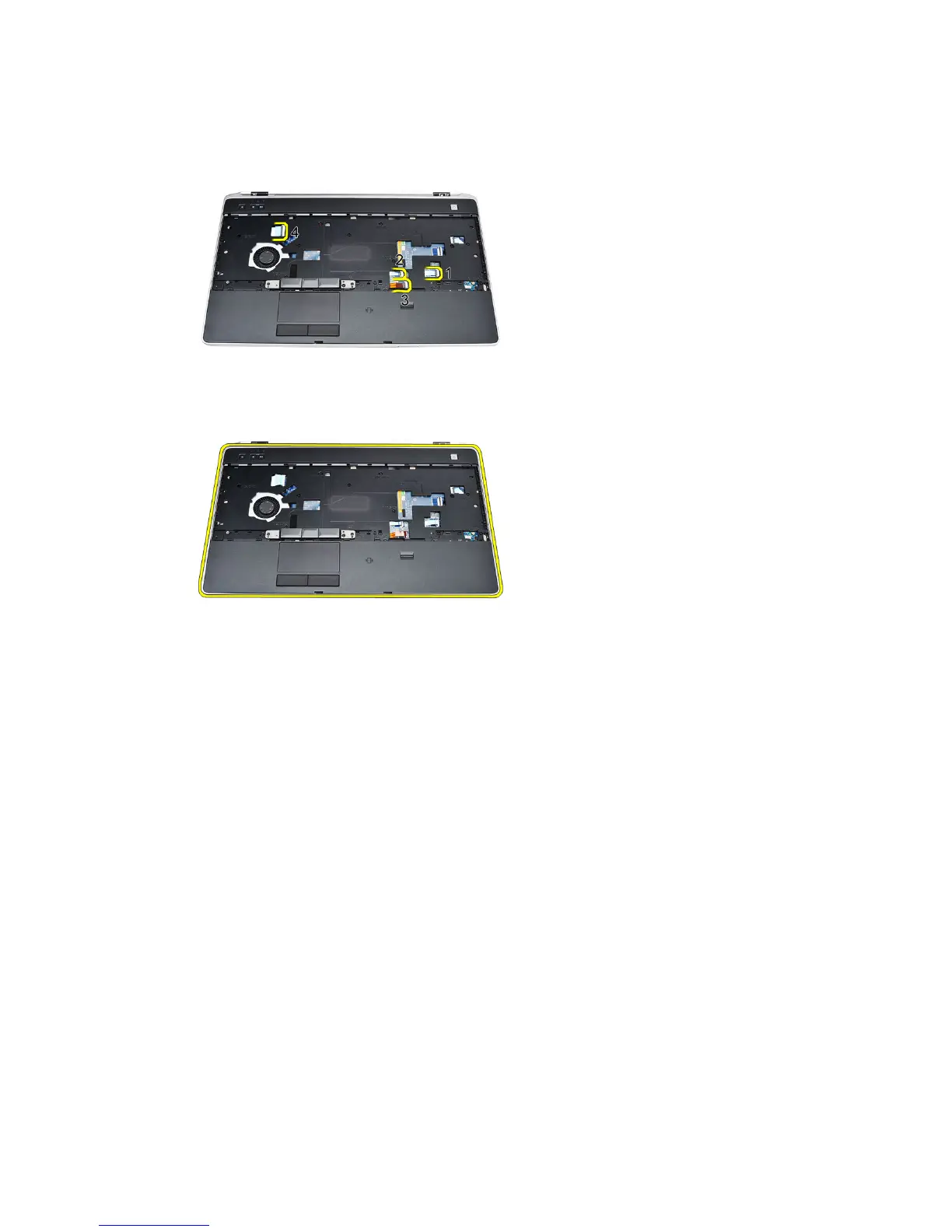
• Radio Frequency Identification (RFID) sensor
• touch pad
• media board
13. Lift the palm rest at a 45-degree angle and remove it.
Installing The Palm Rest Assembly
1. Align the palm rest assembly to its original position in the computer and
snap it into place.
2. Connect the following cables to the system board:
• fingerprint sensor
• Radio Frequency Identification (RFID) sensor
• touch Pad
60















 To Next Page