Display Panel 31
Removing The Display Panel
1. Follow the procedures in
Before Working On Your Computer
.
2. Remove the
battery
.
3. Remove the
display bezel
.
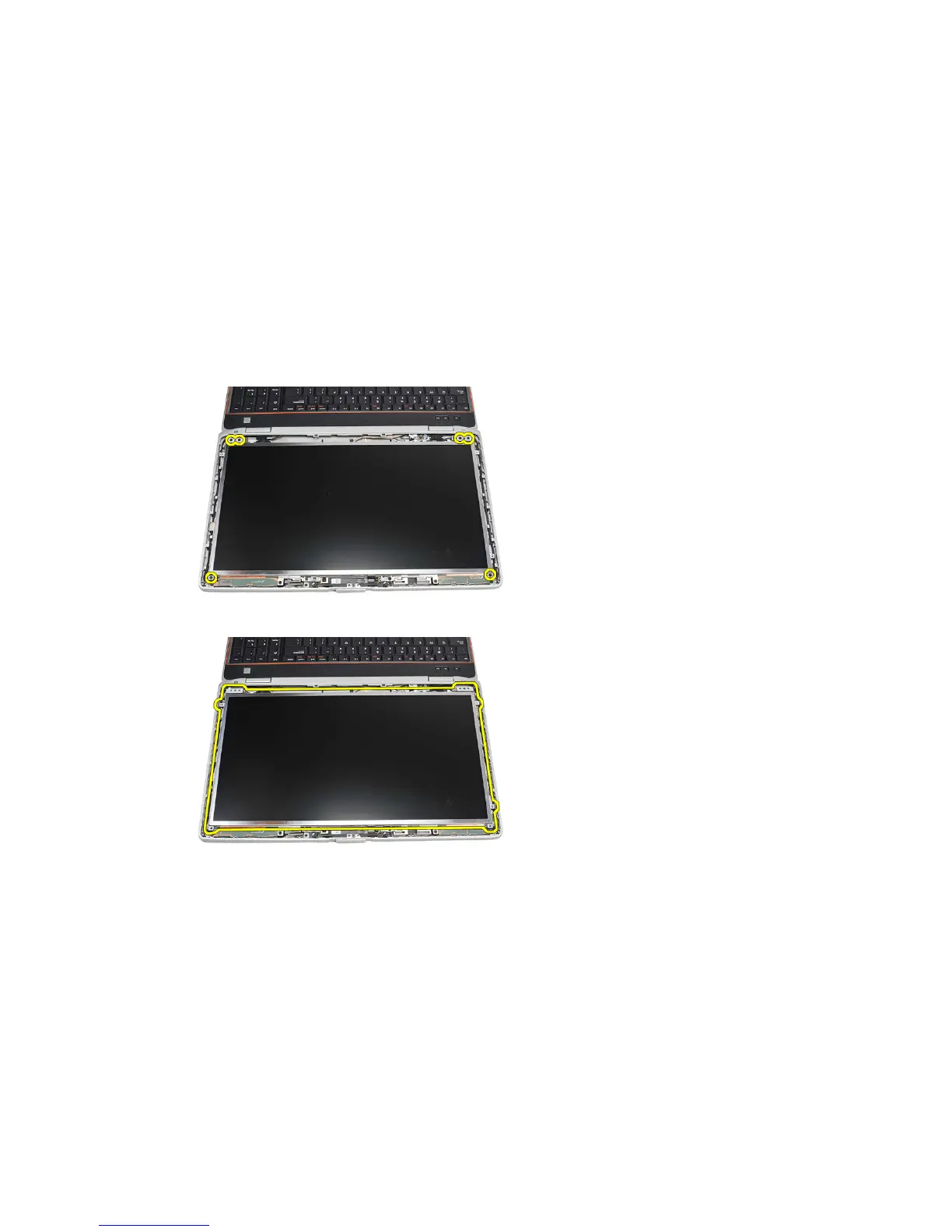
4. Remove the screws that secures the display panel to the computer.
5. Flip the display panel over the keyboard.
6. Peel the tape from the low-voltage differential signaling (LVSD) cable
connector.
89















 To Next Page