Camera 32
Removing The Camera
1. Follow the procedures in
Before Working On Your Computer
.
2. Remove the
battery
.
3. Remove the
display bezel
.
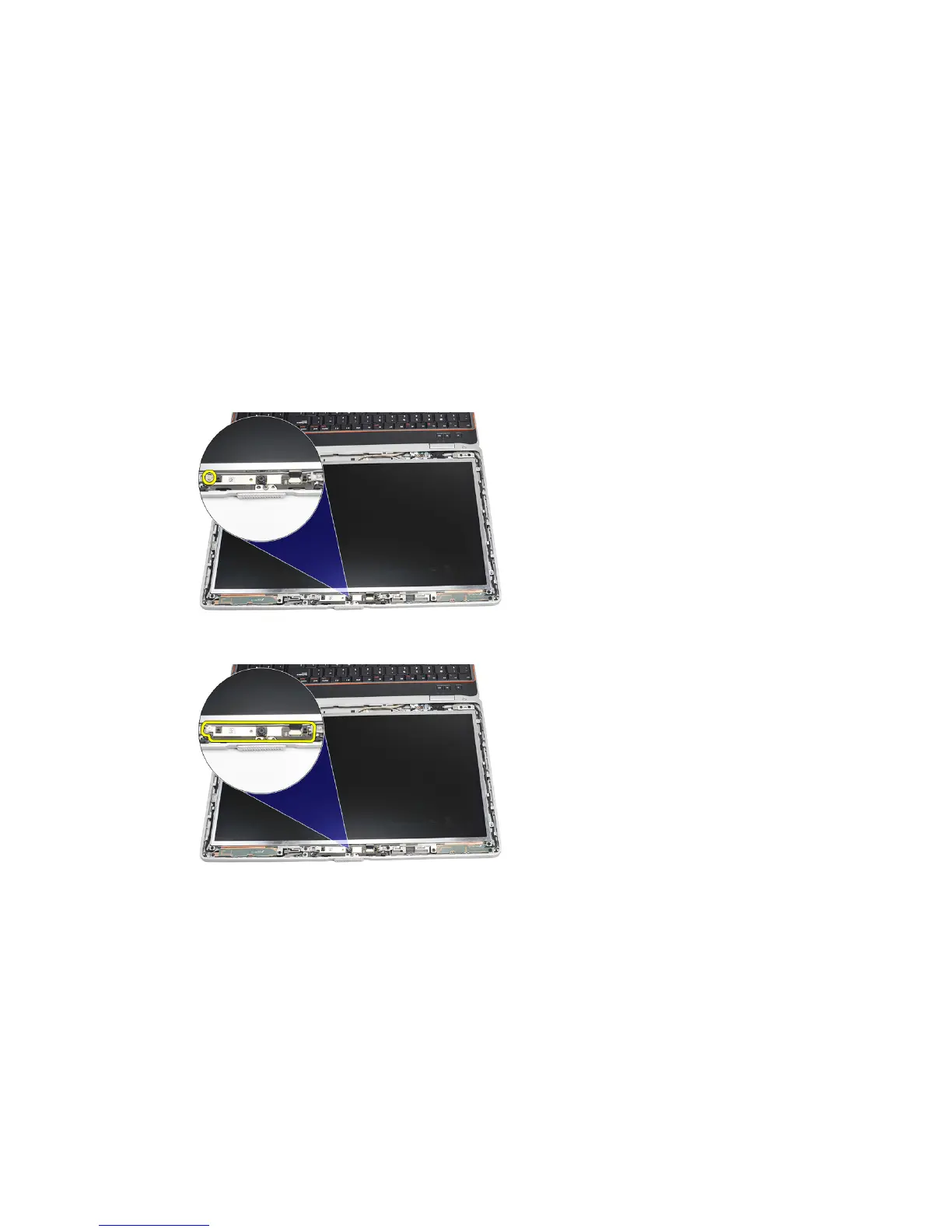
4. Loosen the screw that secures the camera module.
5. Disconnect the cable and remove the camera module.
Installing The Camera
1. Replace the camera module in position and connect the cable.
2. Tighten the screw to secure the camera module.
3. Install the
display bezel
.
4. Install the
battery
.
5. Follow the procedures in
After working inside your computer
.
91















 To Next Page