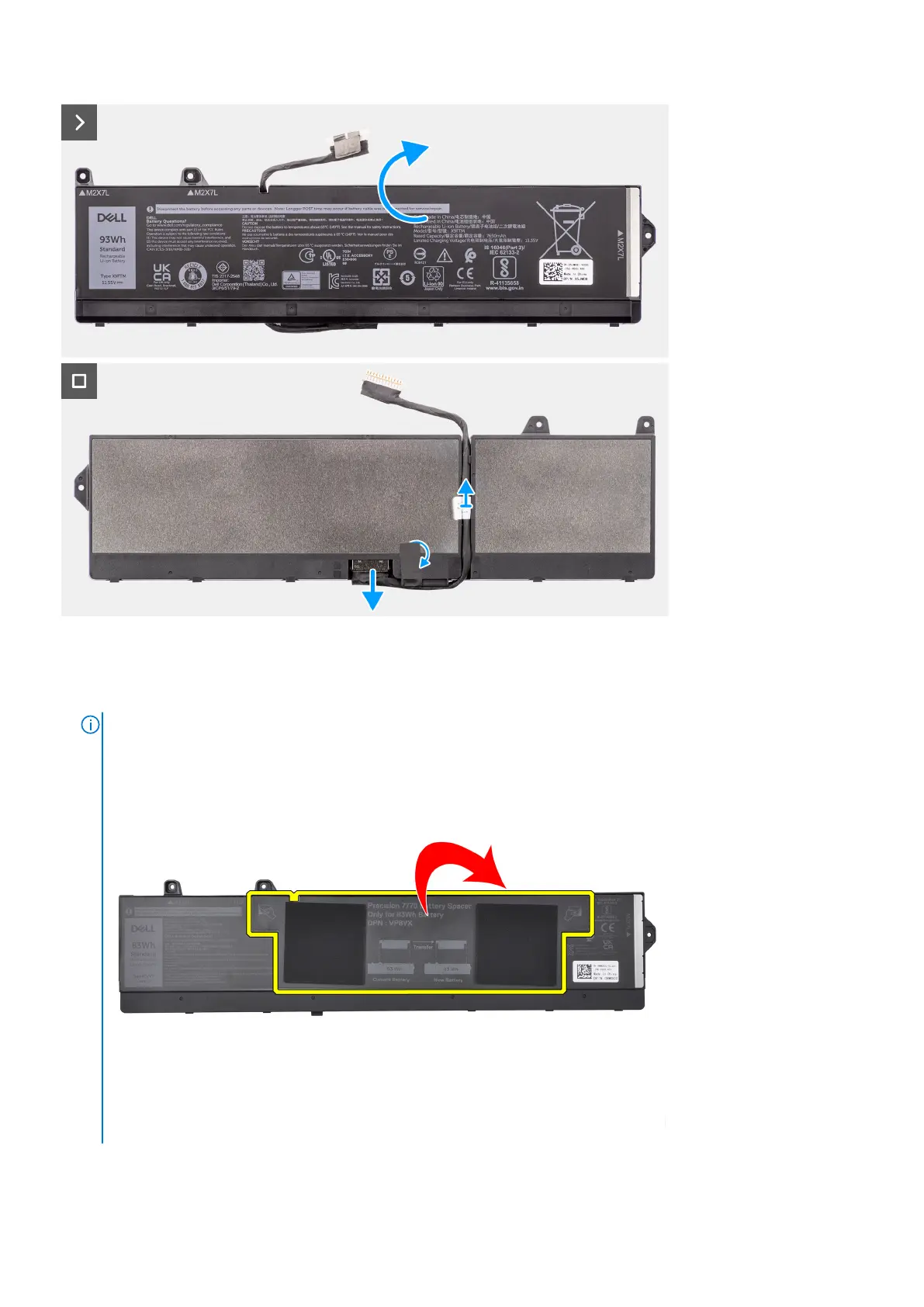
Steps
1. Remove the three (M2x7) screws that secure the battery to the system chassis.
2. Slightly lift the battery at an angle and slide the battery out of the system chassis.
NOTE:
For models shipped with an 83 Wh battery, the battery rubber sticker must be transferred to the replacement 83
Wh battery.
3. Flip the battery and peel the adhesive on the battery cable.
Removing and installing components
23















 To Next Page