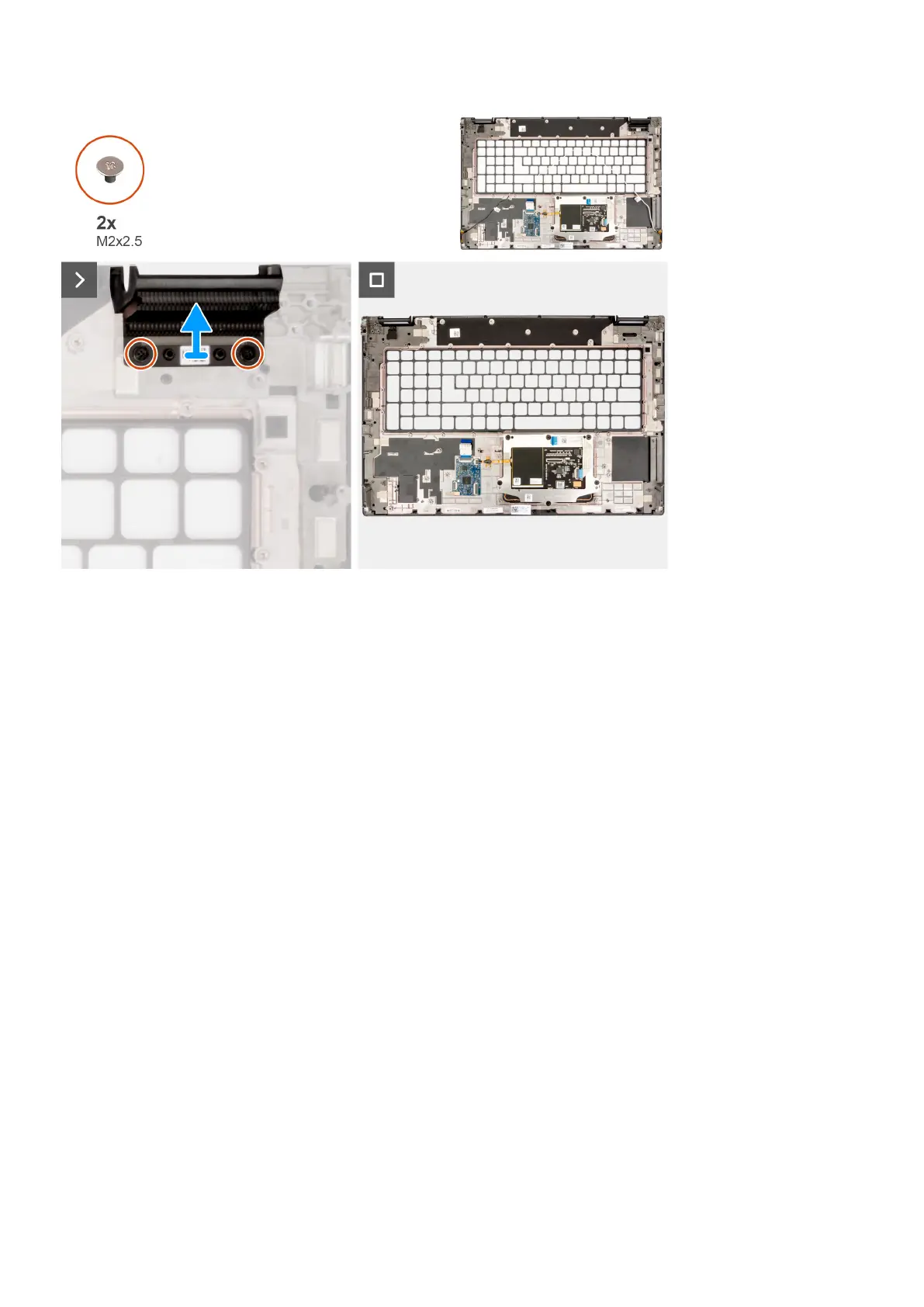
Steps
1. Remove the two (M2x2.5) screws that secure the right dummy fin in place.
2. Remove the right dummy fin from the system.
Installing the palm rest
Prerequisites
If you are replacing a component, remove the existing component before performing the installation procedure.
About this task
The figure indicates the palm rest and before performing the preinstallation parts procedures for any palm rest installation
procedure.
92
Removing and installing components















 To Next Page