1. Follow the procedure in before working inside your computer.
2. Remove the base cover.
NOTE: Follow this procedure only if the computer is shipped without SSD door configuration).
About this task
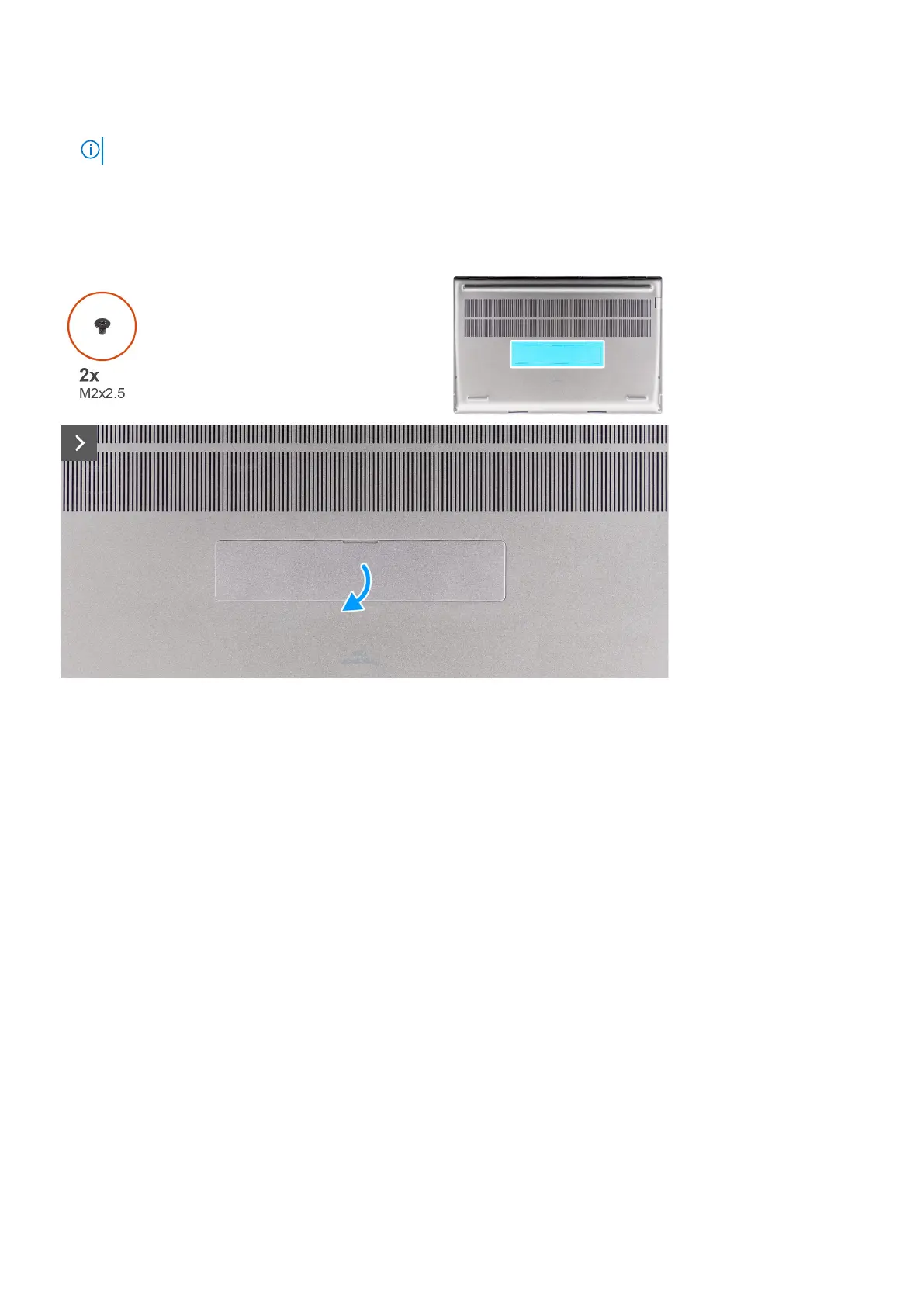
The figure indicates the location of the secondary M.2 SSD and provides a visual representation of the removal procedure.
For computers with SSD door configuration - Slot 5
Removing and installing components 43















 To Next Page