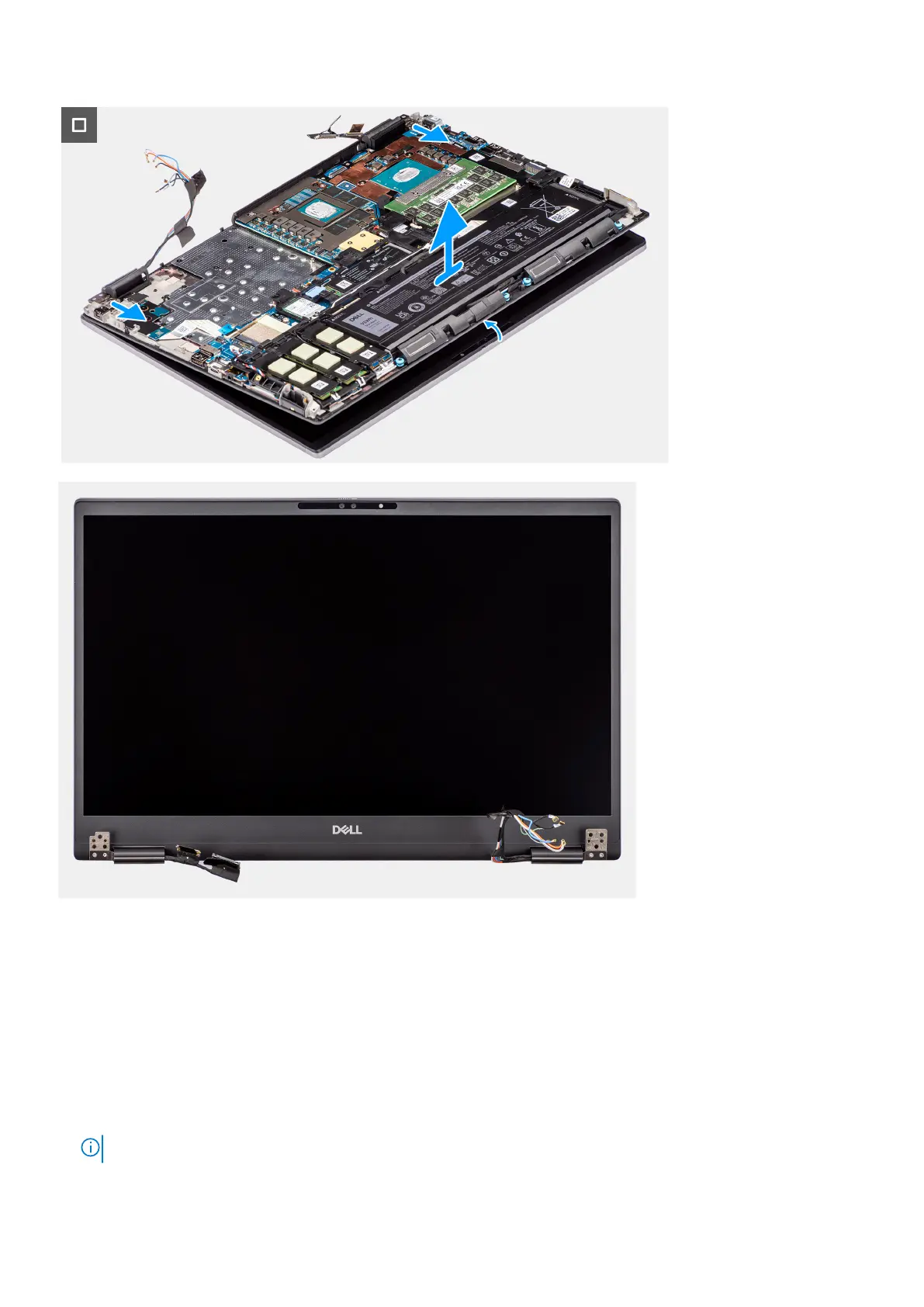
Steps
1. Remove the (M2x5) screw that secures the WLAN bracket to the system board.
2. Lift to remove the WLAN bracket.
3. Disconnect the antennas from their connectors.
4. Remove the three (M2x5) screws that secure the display cable bracket in place.
5. Remove the display cable bracket from the computer.
6. Disconnect the touch screen cable (for models shipped with a touch screen) or IR camera cable (for models that are shipped
with an IR camera) and display cable from their connectors on the system board.
7. Open the display assembly to a 180-degree angle and place the computer at the edge of a flat table so that the display
assembly can extend below the table.
NOTE: For computers shipped with IR camera configuration, disconnect the display cable and IR camera cable.
78 Removing and installing components















 To Next Page