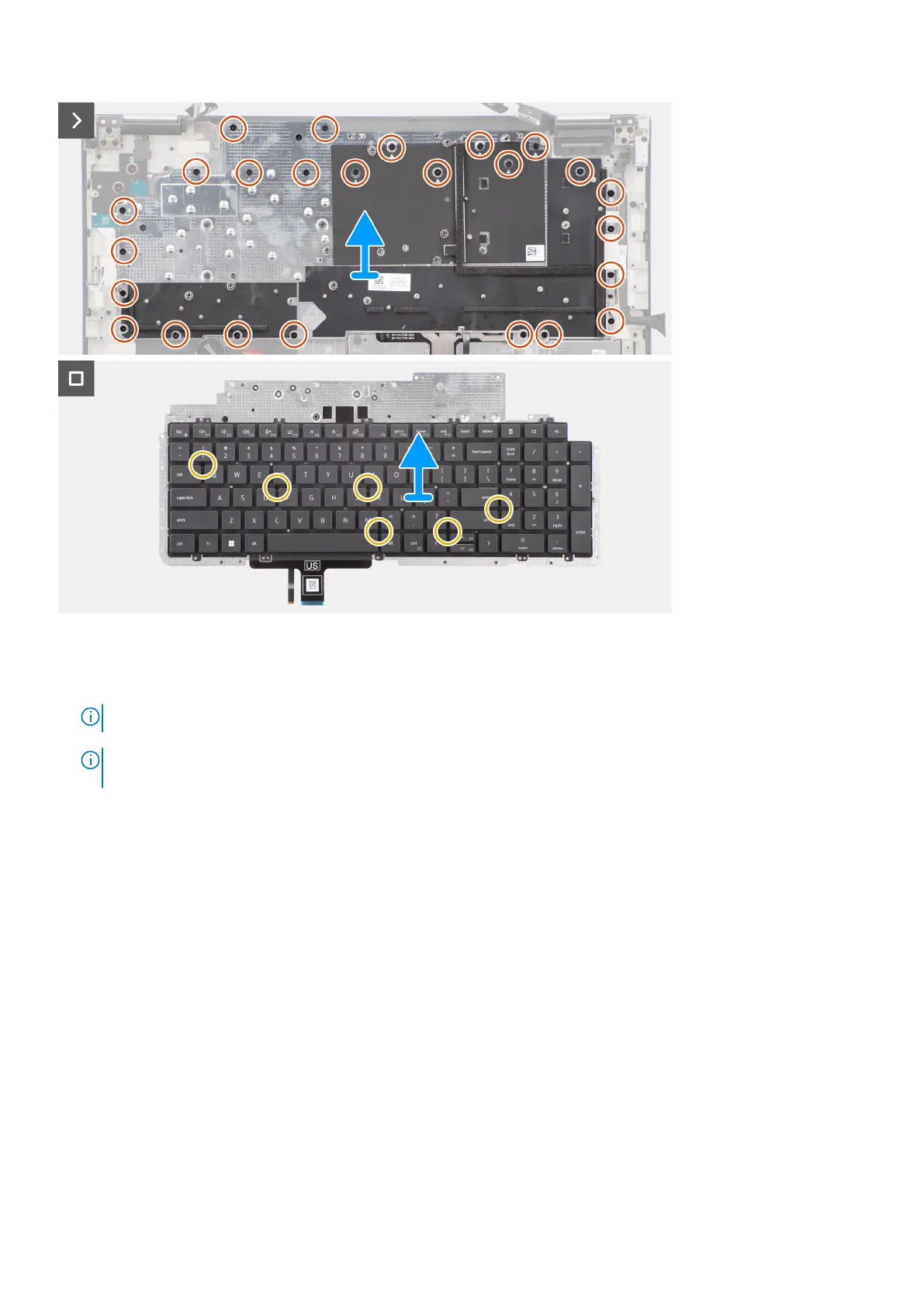
Steps
1. Lift the latch and disconnect the keyboard FPC and the keyboard backlight FPC from the connectors on the touchpad
module.
NOTE: For models shipped with a keyboard backlight.
2.
NOTE:
For Precision 7780, remove the three (M2x2.5) screws securing the dummy fin in place and remove the fin
before removing the keyboard assembly.
Remove the three (M2x2.5) screws that secure the dummy fin to the palm rest.
3. Remove the 25 (M2x2.5) screws that secure the keyboard support place to the palm rest.
Removing and installing components
87















 To Next Page