eZFC-424R4-24 Application Guide
Edition 2.6
Page 35 of 84
Setting Up a Fan Output
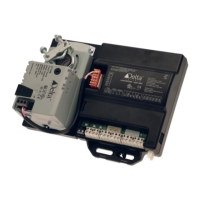
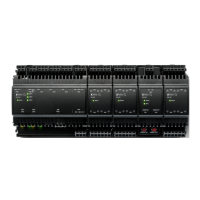
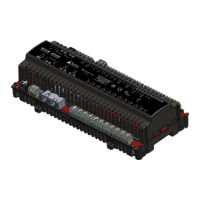
This topic describes how to set up fan outputs on the Local Outputs tab of the enteliZONE
configuration page.
The enteliZONE controllers support up to 3 fan stages (Fan1, Fan2 and Fan3). Typically a 3-speed
fan stages uses Fan1, Fan2 and Fan3, and an ECM (Electronically Commutated Motor) fan uses
Fan1.
For more information about the enteliZONE algorithm's sequence of operations, go to the
Sequence of Operations topic.
Set Up a Fan Output
1. In the Function field, select the option that applies to your setup:
Function Select this option if you are:
SupplyFan_
Setting up a fan for fan coil system.
For examples of typical fan coil set ups using the configuration page, go
to the fan coil output topic.
ExhaustFan_ Setting up a exhaust fan based on occupancy.
For a list of output configuration software objects that correspond to each function, see the
Output Configuration Objects topic.
2. In the Stage field, select the corresponding fan stage for the output device. If you are using
ORCAview,select the heat stage in the Output Stage field.
Start a new line for every additional fan stage.
The ExhaustFan function defaults to OccInterlock or occupancy interlock.
3. In the Control Type field, select the method of control used on the output device signal.
The control types available in the drop-down list will change depending on the option that
was selected in the Function field and the physical output used to connect to the output
device. For more information about control types, see the Control Types topic.
4. In the Action field, choose between direct or reverse control.
5. (enteliWEB only) The Output Name field displays the object's name. You can change this
name by clearing the field and entering a new name.
6. In the additional settings available for some fan types:
l Constant Fan Modes. Allows you to select the occupancy mode in which the fan
runs constantly. In occupancy modes where the fan is not running constantly, the
algorithm assumes the fan is running intermittently.


 To Next Page
 Loading...