127
BHT-1600 Handy Terminal User Manual
of the same barcode in order to count as a valid read.
Configurable between 2 and 30.
DATA OUTPUT
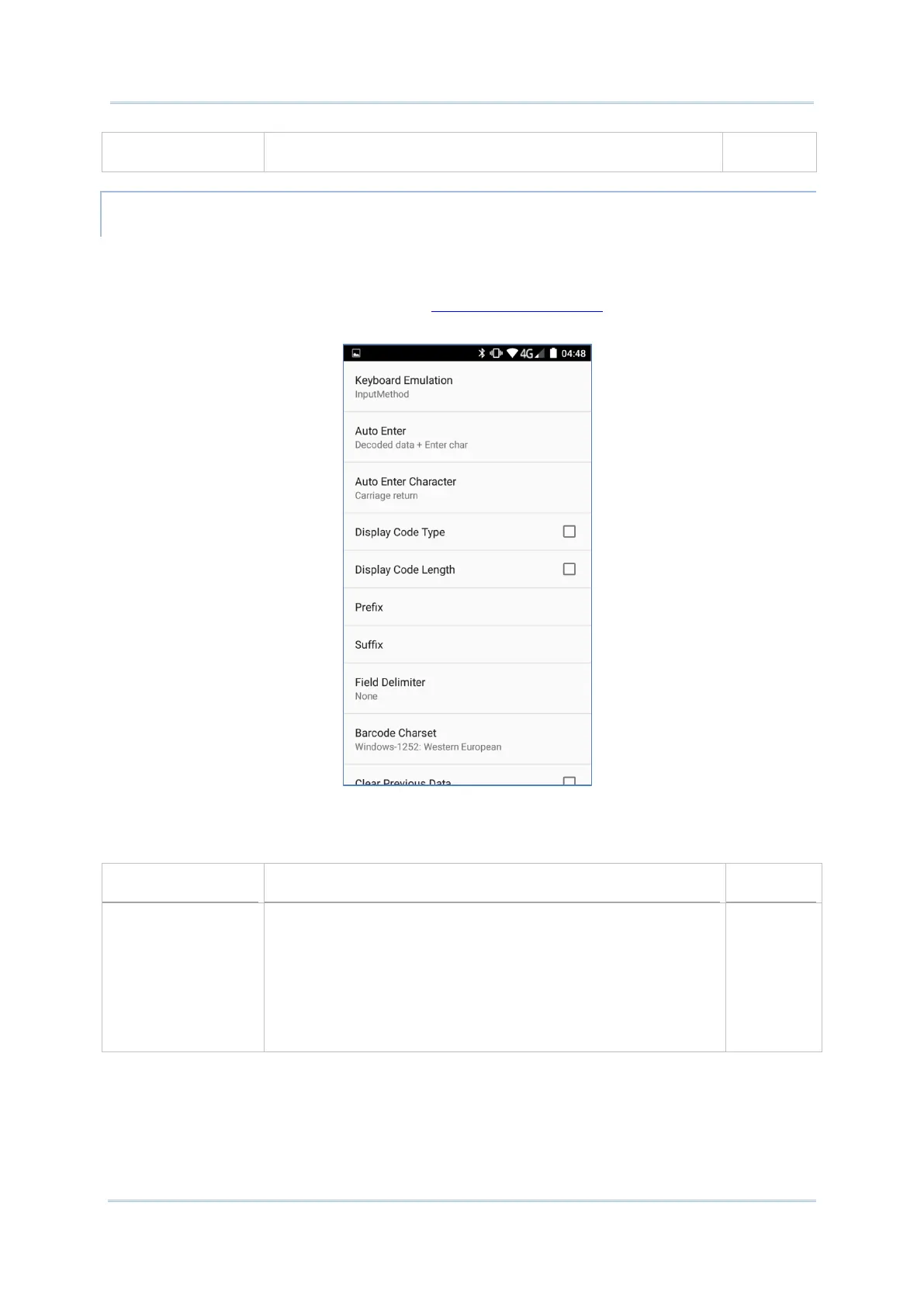
Data Output allows users to set the way to output decoded data.
To open Data Output settings page:
1) Open Reader Config as described in Launch Reader Config.
2) Tap Data Output.
WHERE TO OUTPUT
Keyboard Emulation setting controls where the decoded data is to be output.
Setting
Descriptions Default
Keyboard Emulation
Tap the switch to enable. When enabled, the reader
module t
reats decoded data as typed text and
outputs it to the active application on the handy
terminal. Options are:
None
InputMethod
KeyEvent
Input
Meth
od



 To Next Page