130
BHT-1600 Handy Terminal User Manual
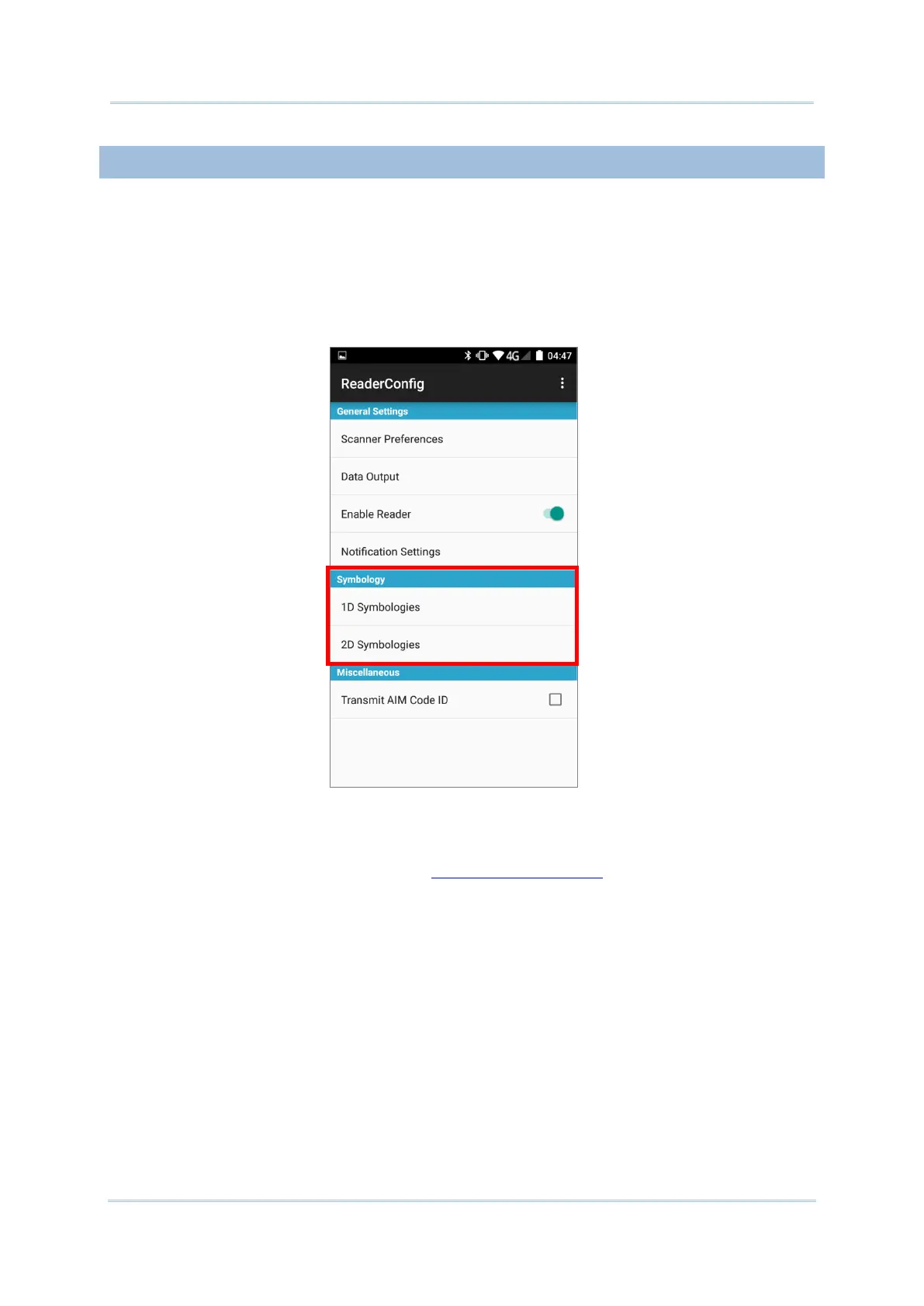
6.1.2. SYMBOLOGY
The Symbology page sets the symbologies to read, and also enables/disables some
feature(s) for a symbology to read, such as:
Customize and transmit start/stop characters
Verify/transmit check digits
Enable/disable addon digits
Convert to another symbology
Transmit symbology ID
To open Symbology settings page:
1) Open Reader Config as described in Launch Reader Config.
2) Tap 1D Symbologies or 2D Symbologies (in case of a 2D imager) to list all
symbologies which can be decoded.



 To Next Page