10
BHT-1600 Handy Terminal User Manual
1.1.3. POWER ON/OFF HANDY TERMINAL
POWER ON
To power on the handy terminal, press and hold the power button located on the upper
right side of the device. The handy terminal will turn on and show the Home Screen after
splash screen.
Note:
For the handy terminal to power on, the battery cover must be secured in place.
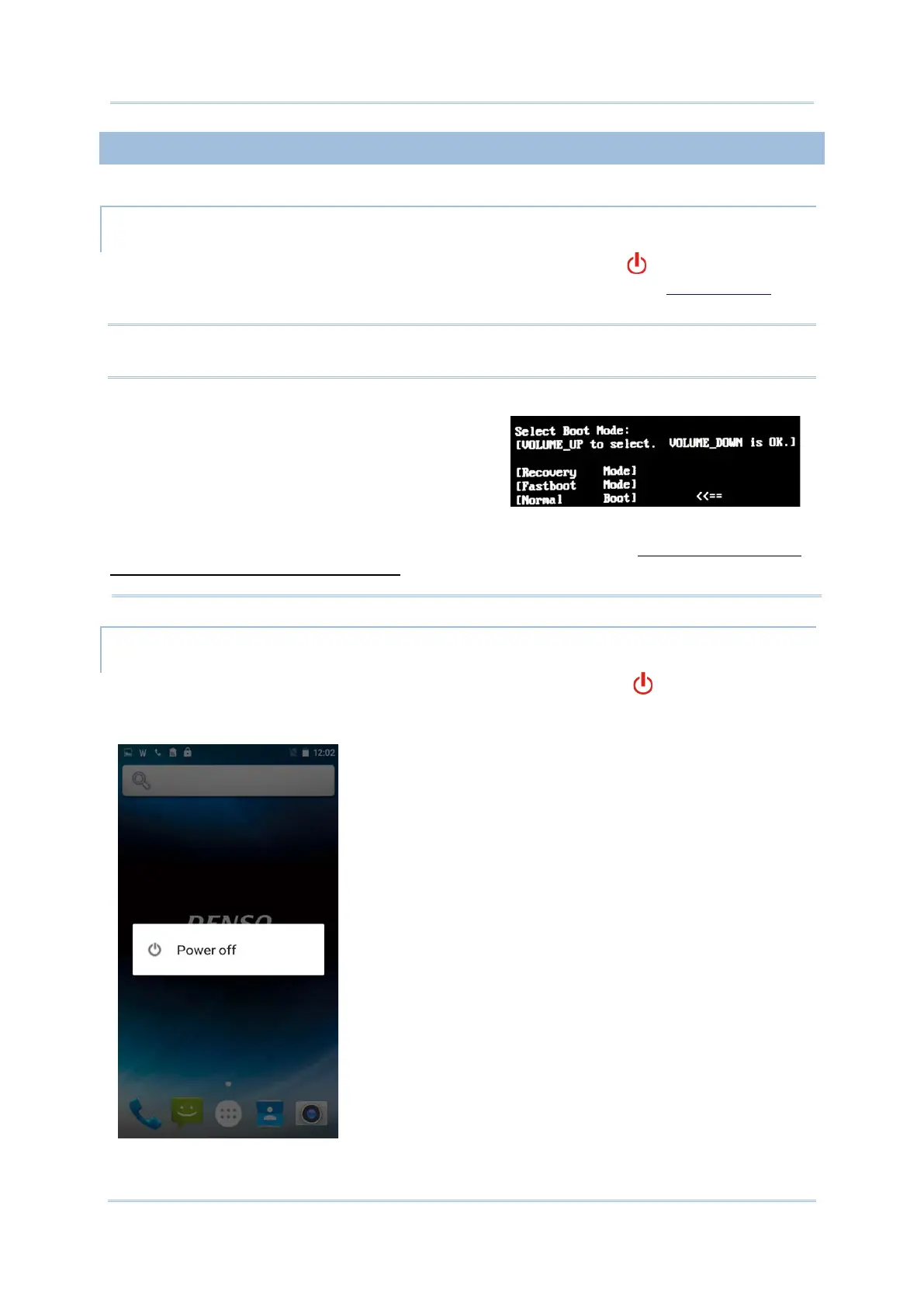
When powering on this handy terminal, if you
accidentally enter a hidden advanced boot menu,
please use Volume Up key to select and Volume
Down key to confirm [Normal Boot] to return to
the normal booting process.
Any system failure, data loss or unexpected consequences arising from your entering the
other two options - [Recovery Mode] and [Fastboot Mode] is
INCORPORATED’s warranty coverage.
POWER OFF
To power off the handy terminal, press and hold the power button for more than three
seconds. A menu will appear on-screen which allows you to power off the device. Make sure
all user data and tasks have been stored before tapping on Power off.



 To Next Page