47
BHT-1600 Handy Terminal User Manual
2.6. LANGUAGE & KEYBOARD INPUT
Tap All Apps | Settings | Language & input to change the system language,
default keyboard type, and configure keyboard input and speech settings.
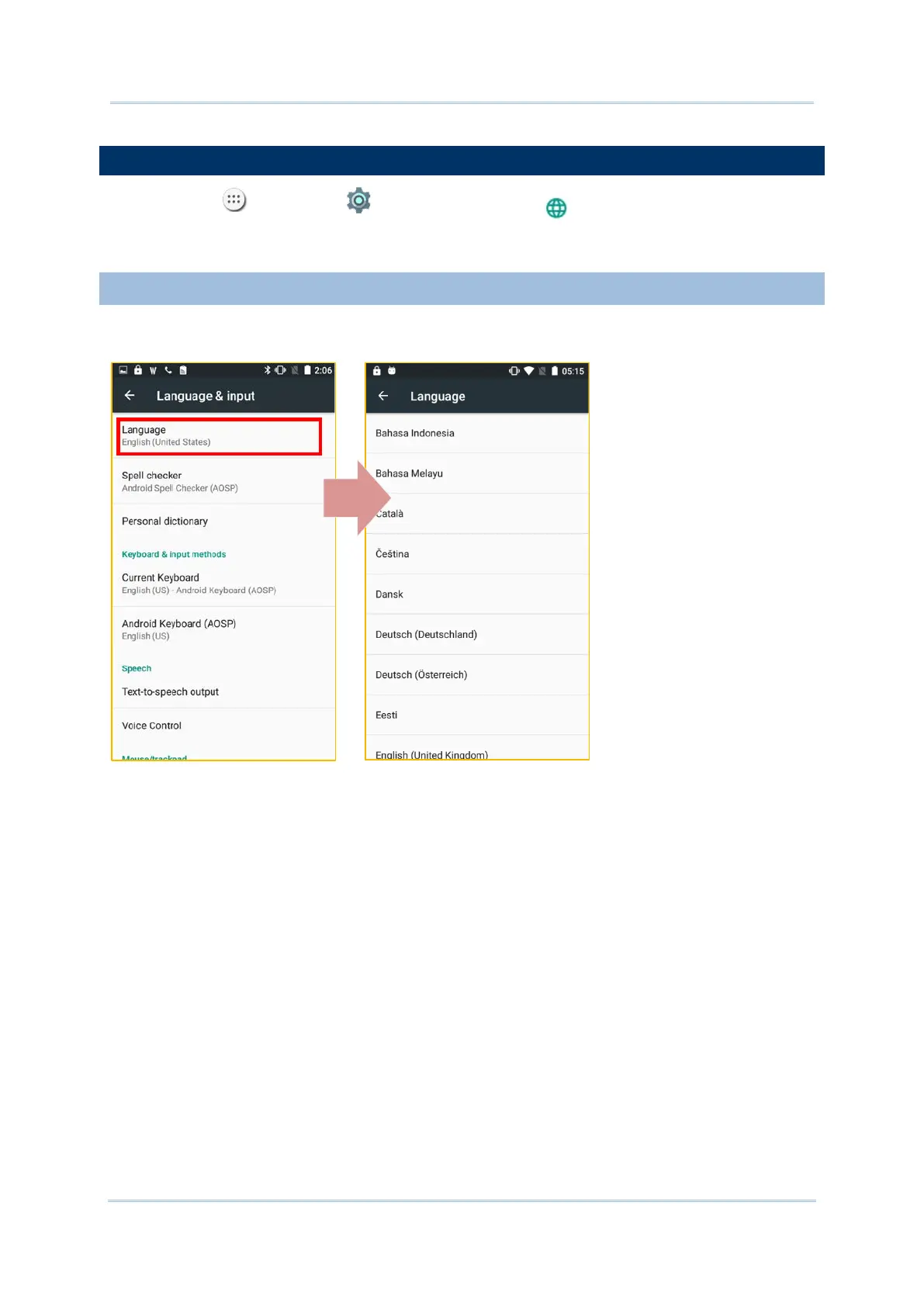
2.6.1. CHANGE DISPLAY LANGUAGE
On Language & input screen, tap Language and then select your desired system
language, the new setting will immediately be applied after your selection.



 To Next Page