80
BHT-1600 Handy Terminal User Manual
3.3. MANAGE APPLICATIONS
3.3.1. APPLICATION MENU
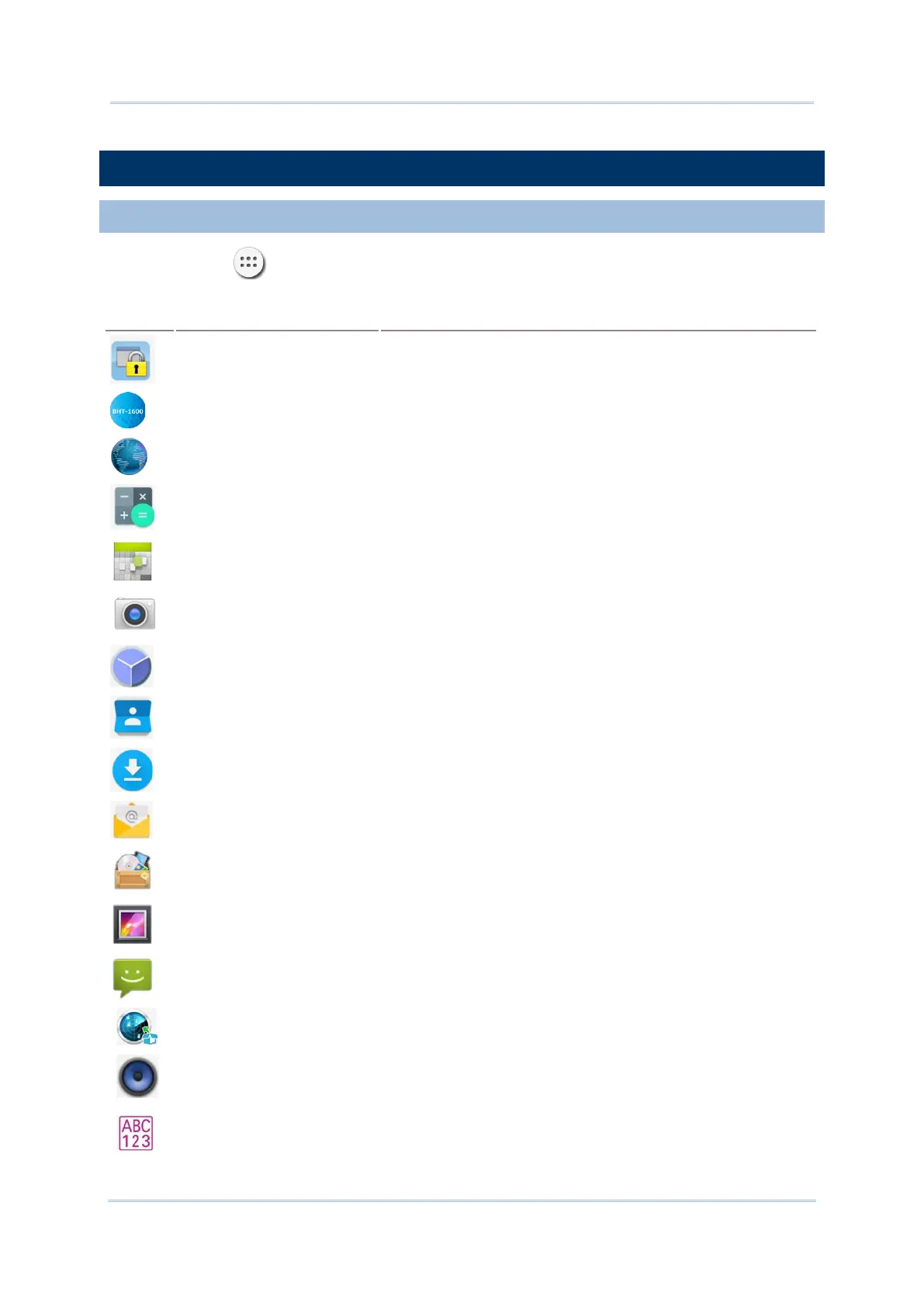
Tap All Apps on the Home screen to open the applications menu.
Icon
Name Description
AppLock
An application used to limit the system resources made
available to Users
BHT Browser for BHT-1600
A browser that allows for flexible application development,
making it possible for you to optimize your system.
Browser
A built-in browser that allows you to access the I
Intranet.
Calculator Performs mathematical calculations.
Calendar Creates and manages events, meetings and appointments.
Camera Takes pictures and shoots videos.
Clock
Sets date, time, time zone according to your locale, and sets
and manages alarms.
Contacts
Manages contact information, and shares or exports/imports
the information to other devices or SD card.
Downloads List all files downloaded on the handy terminal.
Email
An app that provides fundamental functions for you to easily
manage your emails.
File Manager
Browses and manages files on the local storage and storage
card.
Gallery Views photos and videos stored on the Handy Terminal.
Messaging
Sends SMS and MMS messages. This application is available
on 4G model only.
MobiControl Stage
An application that enables you to quickly and easily provision
your handy terminal and enroll it in the MobiControl Services.
Music
A compact built-
in music player that allows you to manage
and play your music files stored in your device, featuring an
Equalizer which can enhance your audio experience.
OCR Application * OCR Reader Application for BHT-1600.



 To Next Page