26
BHT-1600 Handy Terminal User Manual
2.1.3. REPLACE MAIN BATTERY
When main battery level is low, follow the steps below to replace the main battery.
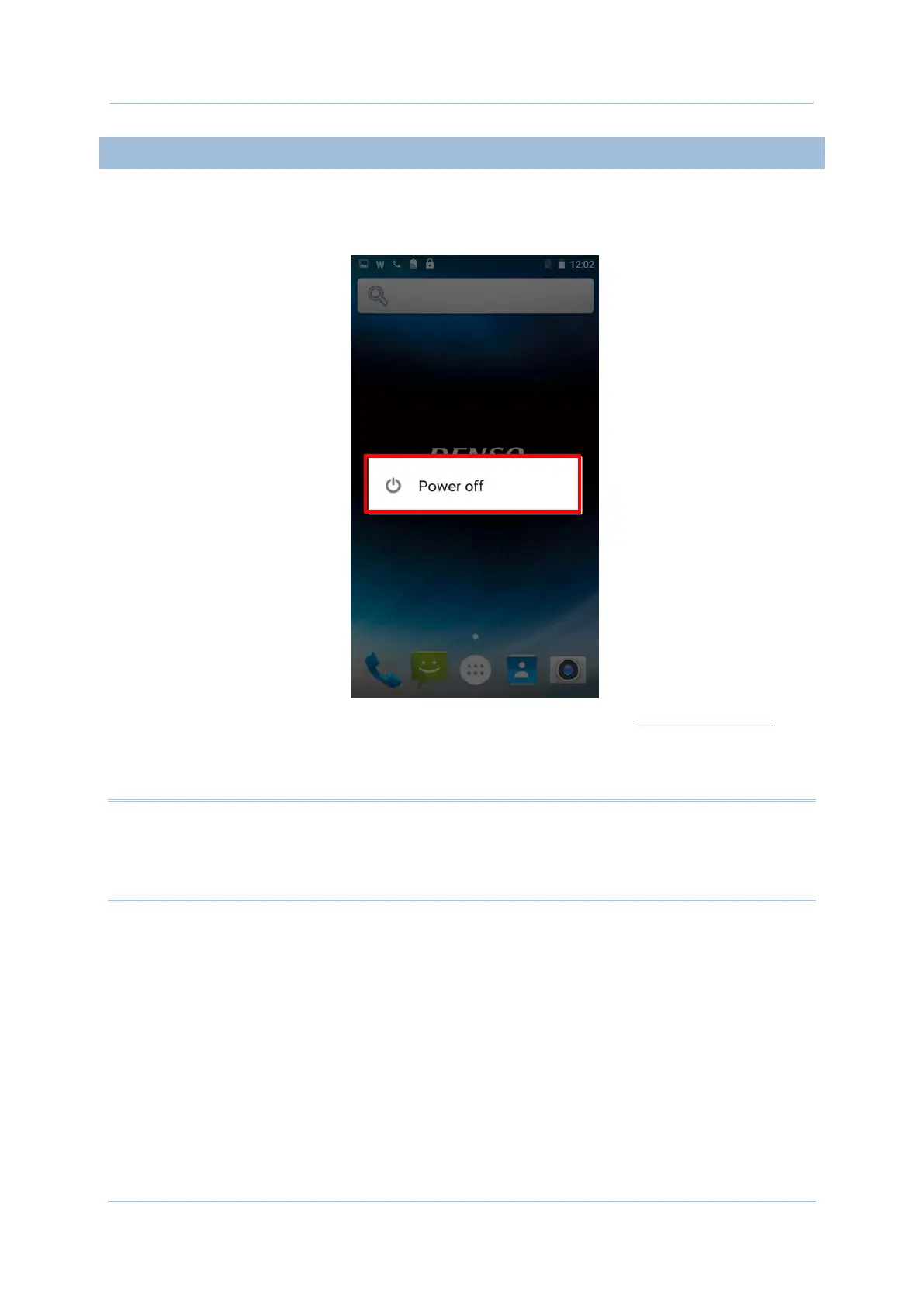
1) Press and hold the power button on the side of the handy terminal.
2) Tap “Power off” in the pop-up menu. The handy terminal will power off.
3) Open the battery cover and insert a charged main battery as in Installing Battery.
4) Press the power button to power on the handy terminal.
Note:
Before replacing the main battery, make sure the backup battery is well-charged in order to
avoid unnecessary data loss. After removing the main battery, insert a well-charged battery
as soon as possible.



 To Next Page