136
BHT-1600 Handy Terminal User Manual
IMPORT AND EXPORT
Reader Config supports saving the settings and exporting them as an .xml file.
Previously exported symbology and scanner settings can be imported again on the
handy terminal. This can also be used to implement identical Reader Config settings on
multiple devices.
To import settings:
1) Open Reader Config as described in Launch Reader Config.
2) Tap the settings button on the menu bar to open the options menu.
3) Tap Import in the options menu.
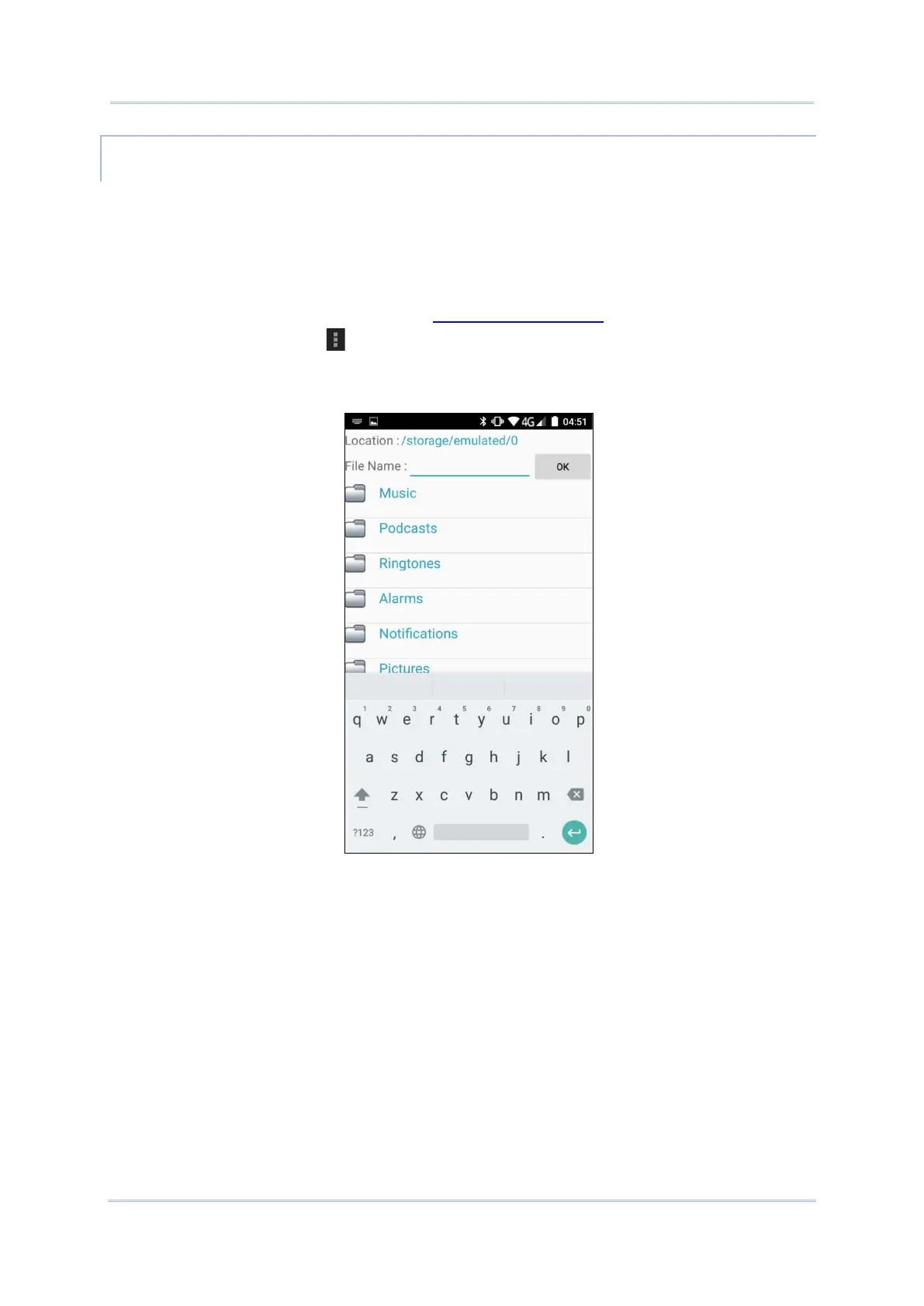
A page opens allowing you to select a previously saved profile.
4) Tap OK. In a few seconds a prompt will appear on the handy terminal to indicate settings
have been imported successfully.



 To Next Page