EasyManua.ls Logo

Dexcom G5 Mobile - Page 349

Dexcom G5 Mobile
392 pages
Print Icon
To Next Page IconTo Next Page
To Previous Page IconTo Previous Page
Loading...
Dexcom G5 Mobile System User Guide
347Troubleshooting
Hardware Error
Device What you see Problem What you do
Receiver
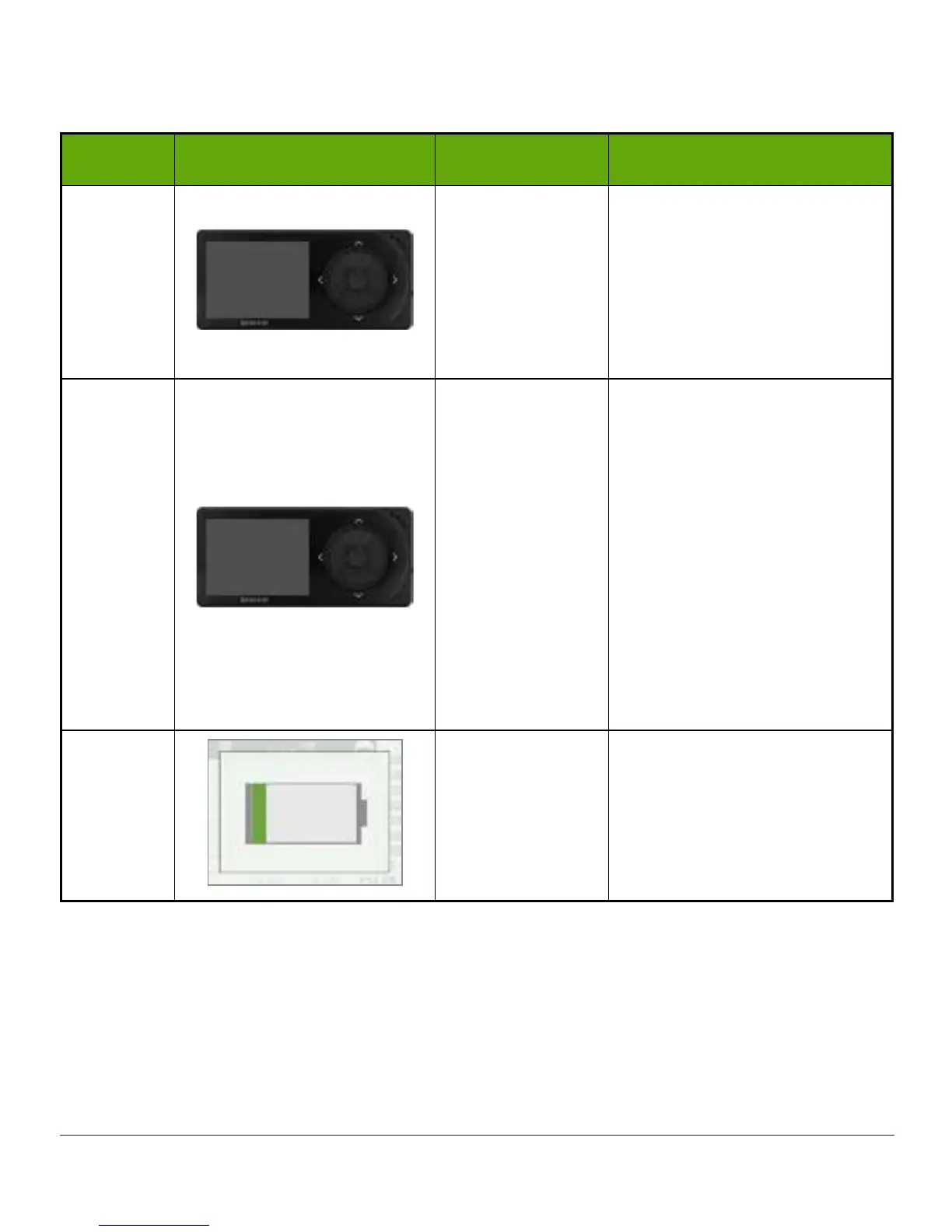
Won’t turn on:
Battery dead.
See Chapter 4.
Charge
receiver
using
electrical outlet, not
computer/laptop.
Full charge may take up to
five hours.
Receiver
After full charge
session:
Won’t turn on.
See Chapter 4.
Reset
receiver
.
Connect
receiver
to charger.
Insert end of paper clip
into small circular hole on
receivers back.
Push down on paper clip.
Receiver will vibrate.
Processing screen appears.
Charge
receiver
.
Receiver
Receiver low
battery.
See Chapter 4.
Charge
receiver
.
(Continued on next page)

Table of Contents

Other manuals for Dexcom G5 Mobile

Related product manuals