Dexcom G5 Mobile System User Guide
350Troubleshooting
(Continued on next page)
Device What you see Problem What you do
Smart
Device:
In App
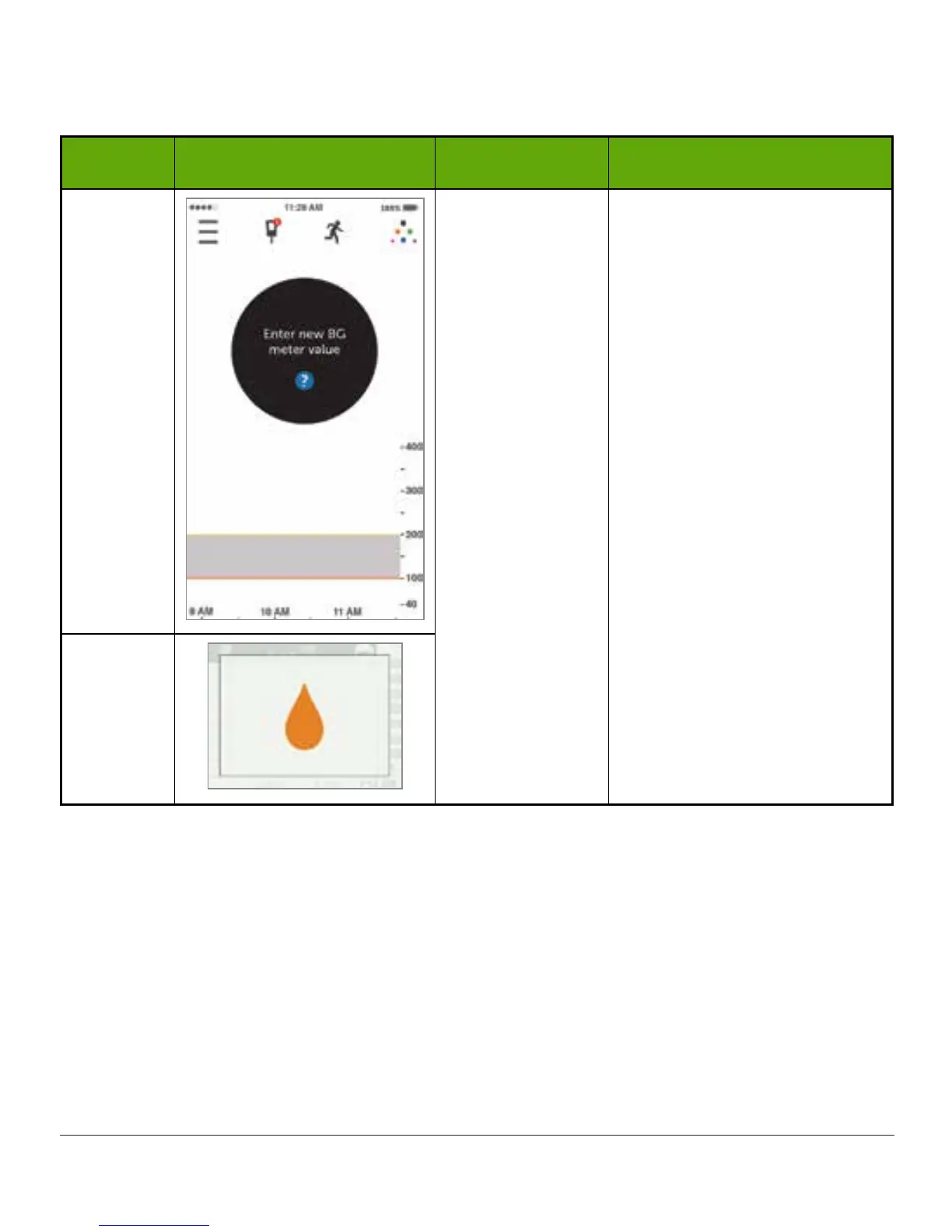
System didn’t
accept recent
calibration.
See Chapter 7.
Wait 15 minutes.
Enter 1 BG meter value.
Wait 15 more minutes.
If error screen still appears,
enter 1 more BG meter
value.
Wait 15 minutes.
If no sensor glucose readings
appear on the display, the
sensor needs to be replaced.
Contact Technical Support
(see Section 17.1) to report
error.
Receiver



 To Next Page