Dexcom G6
®
System User Guide
119Chapter 8: Home Screen
Trend Arrows
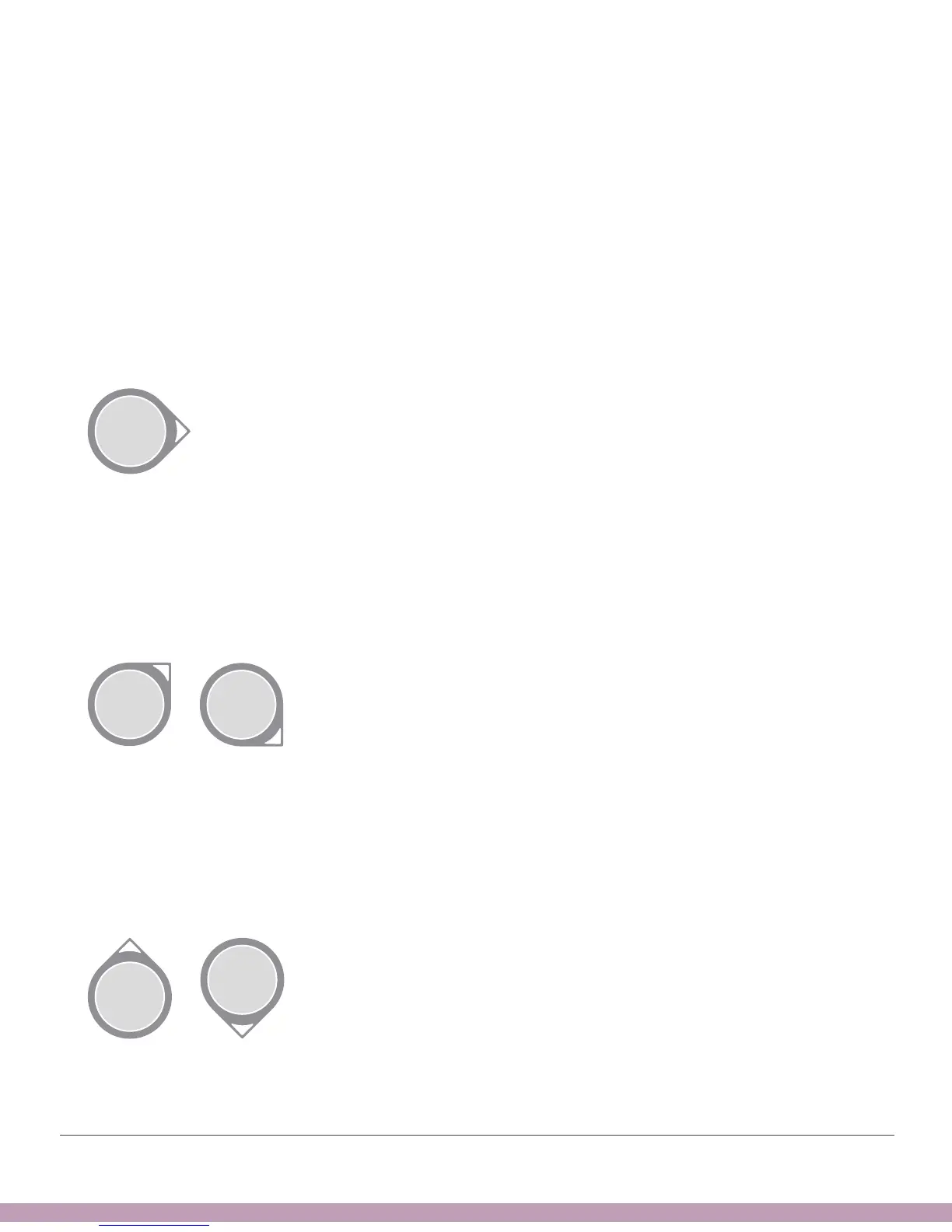
Trend arrows show the speed and direction of your glucose trends based on your
recent G6 readings. Use the arrows to know when to take action before you’re too high
or too low.
Trend Arrow: Steady
Changing:
• Less than 1 mg/dL each minute
• Up to 15 mg/dL in 15 minutes
Trend Arrow: Slowly Rising or Falling
Changing:
• 1 – 2 mg/dL each minute
• Up to 30 mg/dL in 15 minutes
Trend Arrow: Rising or Falling
Changing:
• 2 – 3 mg/dL each minute
• Up to 45 mg/dL in 15 minutes



 To Next Page