Dexcom G6
®
System User Guide
153Chapter 10: Alarm and Alerts
App: Customizing Alerts
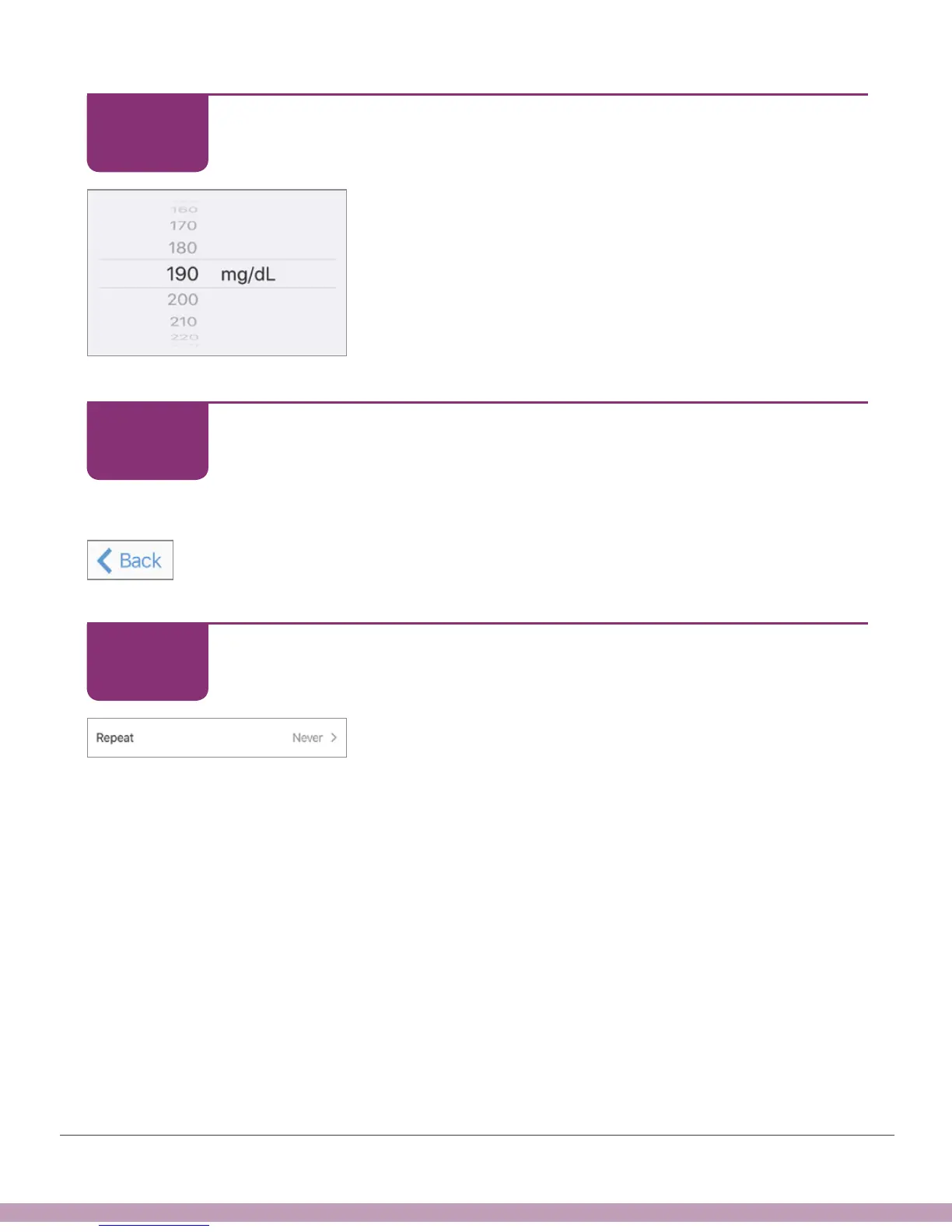
Scroll selection wheel to level you want – in this
example, 190mg/dL.
App: Customizing Alerts
Save the new High Alert glucose level.
• Apple (shown left): Tap Back.
• Android: Tap Save.
App: Customizing Alerts
Tap Repeat to change how often your High Alert
repeats after confirming.
Repeats only if you stay above your high glucose level.
STEP
7 of 15
STEP
8 of 15
STEP
9 of 15



 To Next Page