Dexcom G6
®
System User Guide
156Chapter 10: Alarm and Alerts
Receiver: Customizing Alerts
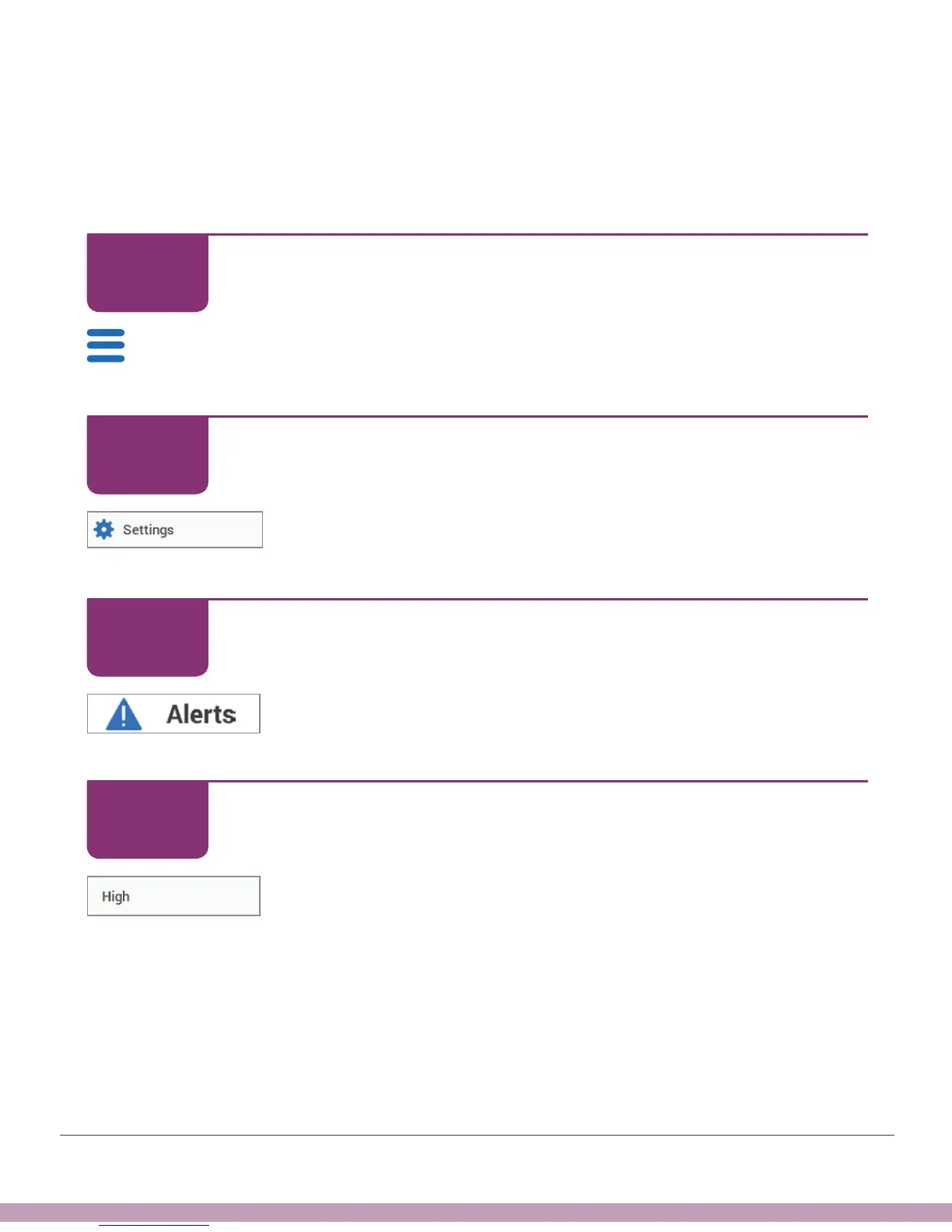
Follow these steps to change your receiver alerts. In this example, we’ll be changing
the High Alert setting to 190 mg/dL, repeating every 2 hours. Later, we’ll change the
sound, too.
Receiver: Customizing Alerts
Tap Menu.
Receiver: Customizing Alerts
Tap Settings.
Receiver: Customizing Alerts
Tap Alerts.
Receiver: Customizing Alerts
Tap High.
STEP
1 of 12
STEP
2 of 12
STEP
3 of 12
STEP
4 of 12



 To Next Page