Dexcom G6
®
System User Guide
158Chapter 10: Alarm and Alerts
Receiver: Customizing Alerts
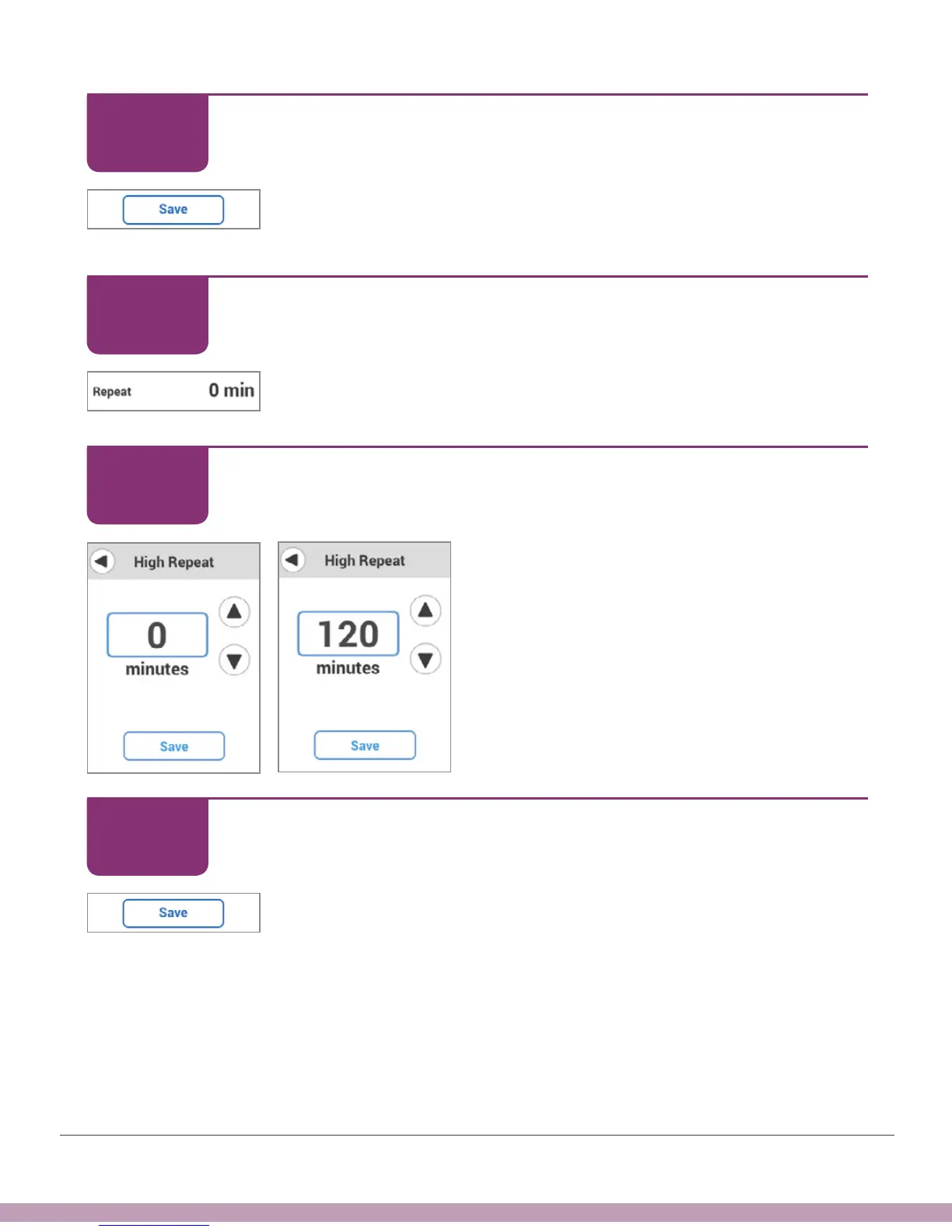
Tap Save.
Receiver: Customizing Alerts
Tap Repeat to change how often your High Alert repeats after
initial alert and confirm.
Receiver: Customizing Alerts
Tap arrows – in this example, the up arrow
to 120 minutes, or 2 hours. Repeat range is
15 minutes to 4 hours.
Receiver: Customizing Alerts
Tap Save.
STEP
8 of 12
STEP
9 of 12
STEP
10 of 12
STEP
11 of 12



 To Next Page