Dexcom G6
®
System User Guide
211Chapter 13: End Sensor and Transmitter Sessions
Remove Sensor and Transmitter
Remove Sensor and Transmitter
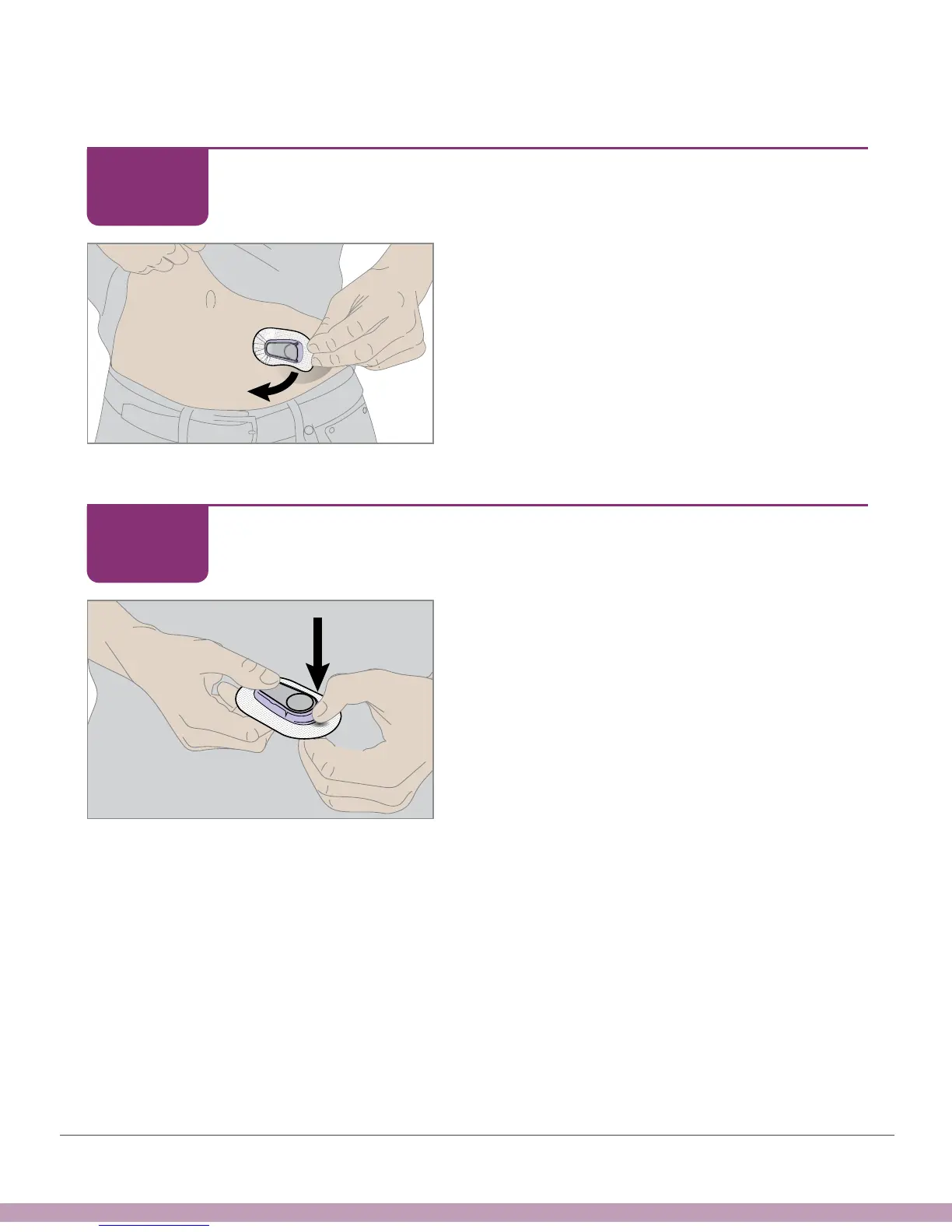
Pull patch off like a Band-Aid. The
transmitter, holder, and sensor all come off
with the patch.
Remove Sensor and Transmitter
Don't remove the transmitter from the holder
until you’ve peeled the patch off your skin.
Grasp the wide rounded edge of the holder.
Bend holder edge down to break it and
release the transmitter.
STEP
1 of 5
STEP
2 of 5



 To Next Page