Dexcom G6
®
System User Guide
212Chapter 13: End Sensor and Transmitter Sessions
Remove Sensor and Transmitter
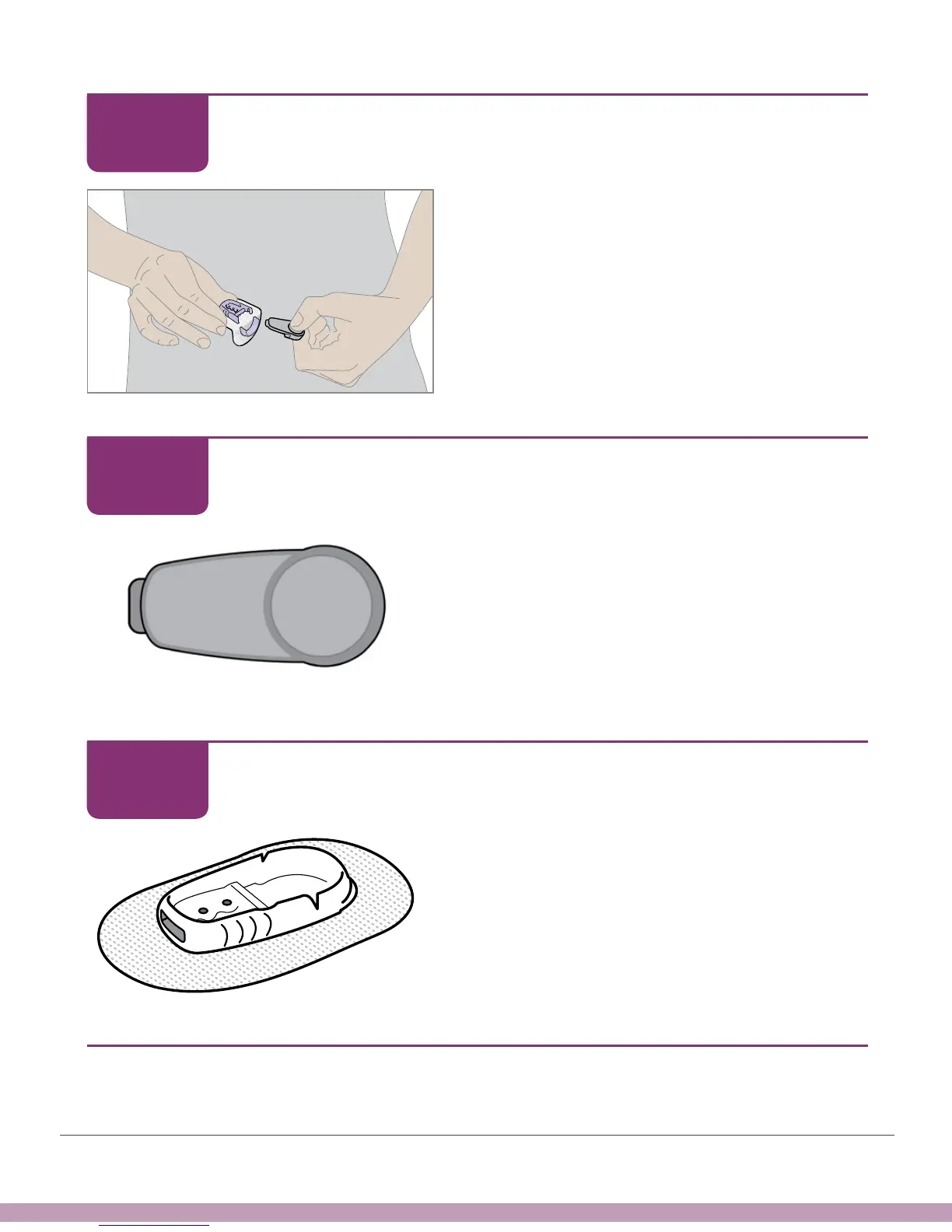
Pull transmitter straight out.
Remove Sensor and Transmitter
Keep transmitter to use with next sensor.
Remove Sensor and Transmitter
Throw away patch, with the holder and sensor
attached, following your local guidelines for
disposal of blood-contacting components.
Finished!
STEP
3 of 5
STEP
4 of 5
STEP
5 of 5



 To Next Page