Dexcom G6
®
System User Guide
241Chapter 14: Troubleshooting
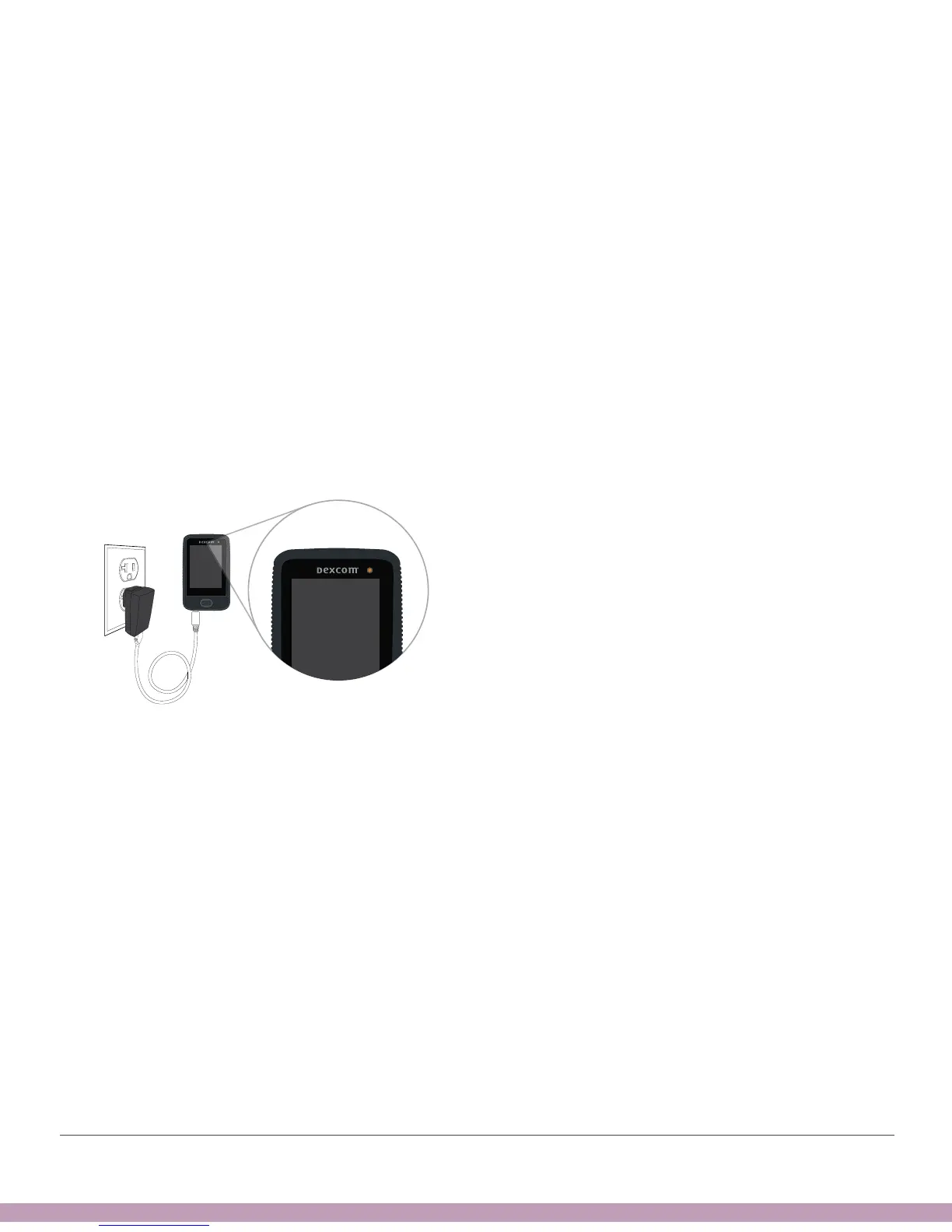
Won’t Turn On – Battery Charged
Problem
• The receiver won’t turn on but battery is fully charged
Solution
• See Chapter 5
• Reset receiver:
• Press and hold power button for 10 seconds
• Release power button
• Press and hold power button for 2 seconds to turn back on
• Connect receiver to charger – this turns it on



 To Next Page