Dexcom G6
®
System User Guide
242Chapter 14: Troubleshooting
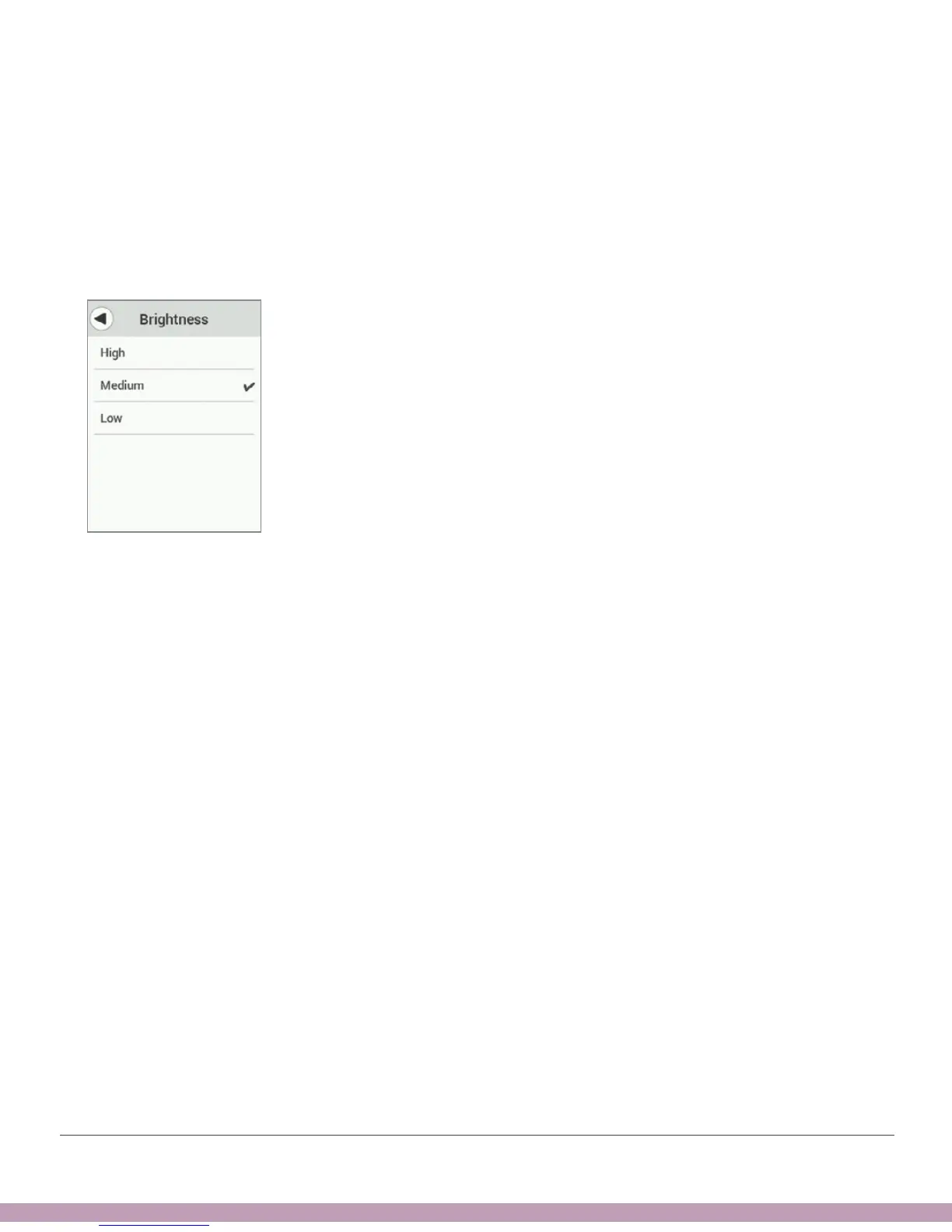
Can’t See Screen – Change Brightness
Problem
• The receiver screen is too dim or bright
Solution
• Go to Menu > Brightness and change it.
No Beep or Vibration – Speaker Test
Problem
• Don’t hear or feel alarm/alerts or notifications
Solution
• Test your speaker and vibrations using steps below.
• If receiver speaker/vibrations don’t work, you won’t hear alarm/alerts. Use app until
issue is fixed.
• Contact Technical Support (available 24/7) at:
• TechSupport@dexcom.com
• Toll free: 1.888.738.3646
• Toll: 1.858.200.0200



 To Next Page