Dexcom G6
®
System User Guide
243Chapter 14: Troubleshooting
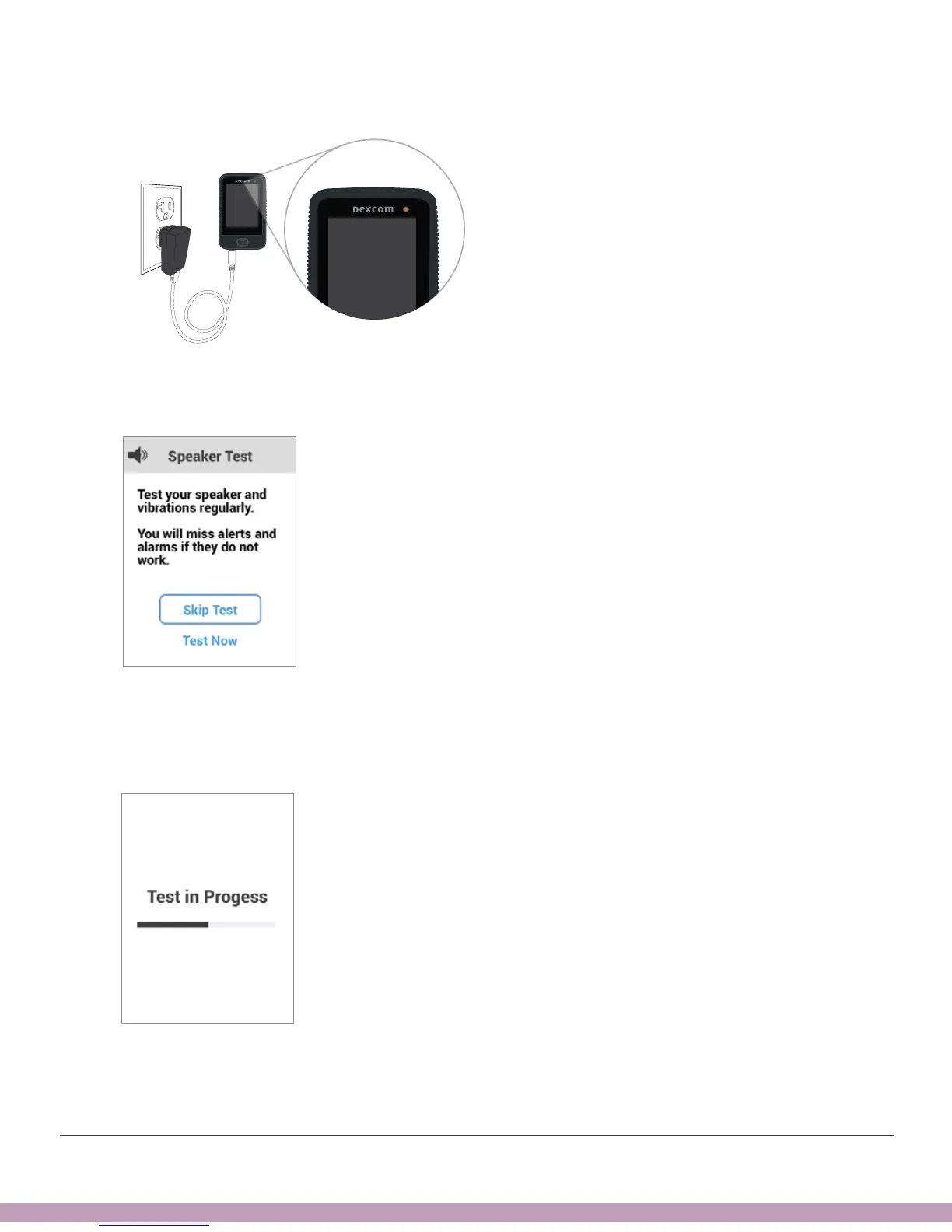
1. Plug receiver into wall to charge. The light shows the receiver is charging.
2. Tap Test Now quickly before screen disappears. If screen disappears too
quickly, go to first step.
3. Receiver will beep and vibrate. Listen for the beeps and feel for the vibrations.
Is your receiver Sound set to Vibrate or Soft? If your speaker and vibrations
work, this test makes your receiver beep and vibrate anyway.



 To Next Page