Dexcom G6
®
System User Guide
244Chapter 14: Troubleshooting
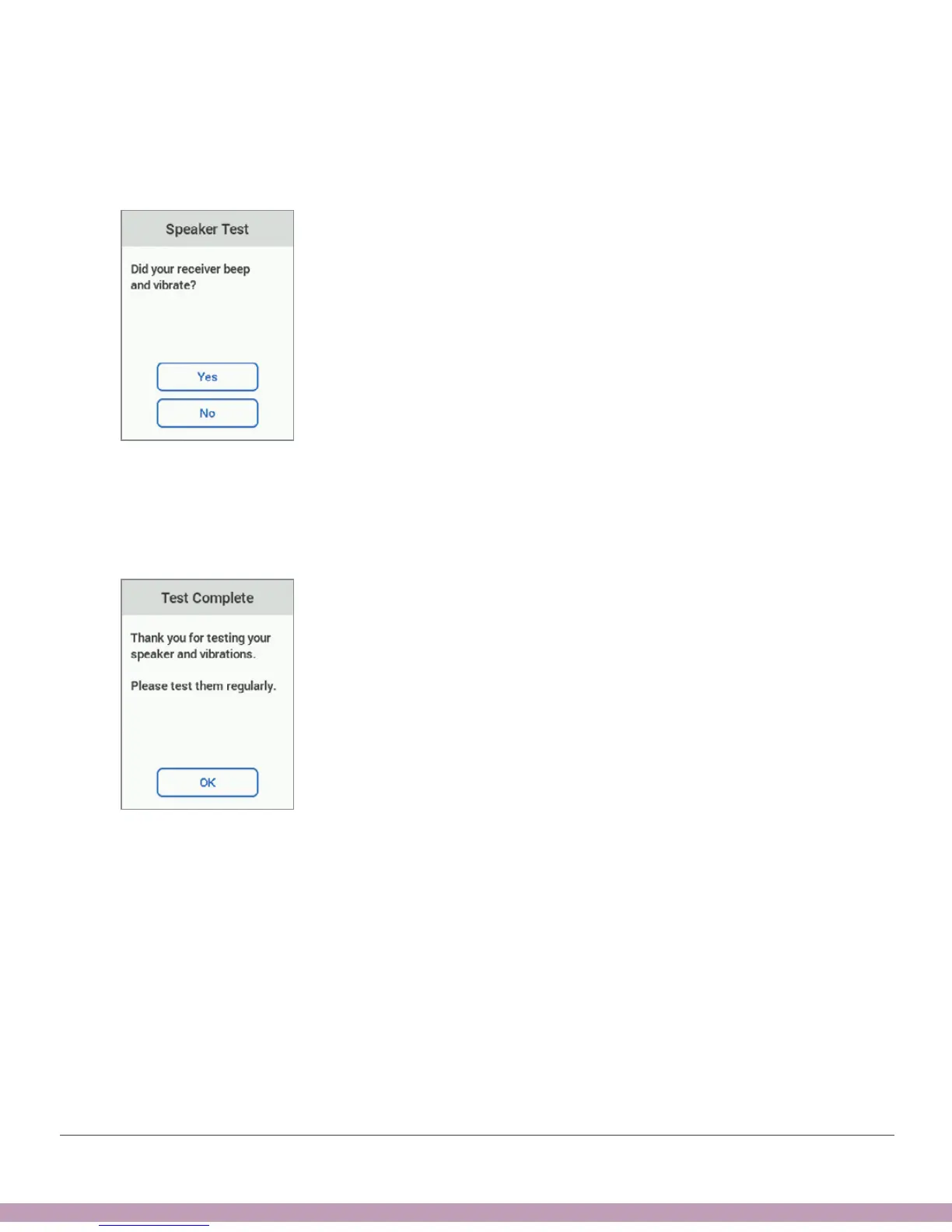
4. Did your receiver beep and vibrate?
• Yes? Tap Yes and go to next step.
• No? Tap No and go to Step 6.
5. Congratulations! You tested your speaker and vibrations and determined they
work! You’ll hear your alarm/alerts.
You’re done. Don’t go on to the next step.



 To Next Page