Dexcom G6
®
System User Guide
245Chapter 14: Troubleshooting
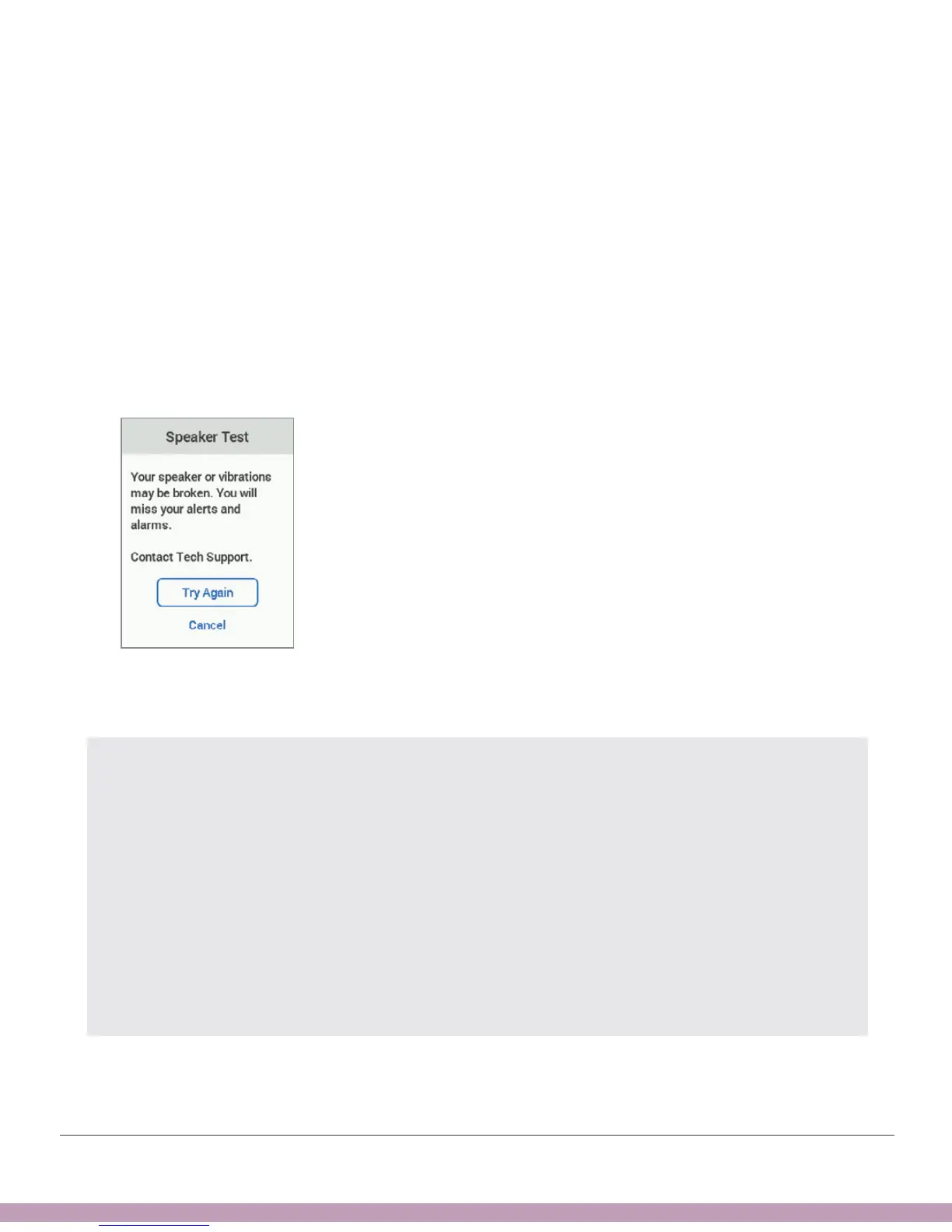
6. Uh-oh. You tested your speaker and vibrations and determined that they don’t
work. You won’t hear alarm/alerts.
Contact Technical Support (available 24/7) at:
• TechSupport@dexcom.com
• Toll free: 1.888.738.3646
• Toll: 1.858.200.0200
Use app until issue is fixed.
Tap Try Again to retry and go to Step 3. Or, tap Cancel to return to your Home
screen.
PRECAUTION
Test Speaker and Vibrations
You have to hear or feel alarm/alerts to react to them, so test your receiver speaker
and vibrations regularly. To make sure the speaker and vibrations work, plug in the
receiver to charge. The Speaker Test screen appears for a few seconds. Follow
the directions on the screen to test the speaker and vibrations. If you hear and feel
them, great! But if it doesn’t beep and vibrate – perhaps it got wet or was dropped –
contact Technical Support and use your app until the receiver is fixed.
Follow G6 instructions. If you don’t, you could miss a severe low or high glucose event.



 To Next Page