Dexcom G6
®
System User Guide
246Chapter 14: Troubleshooting
Low Battery
Problem
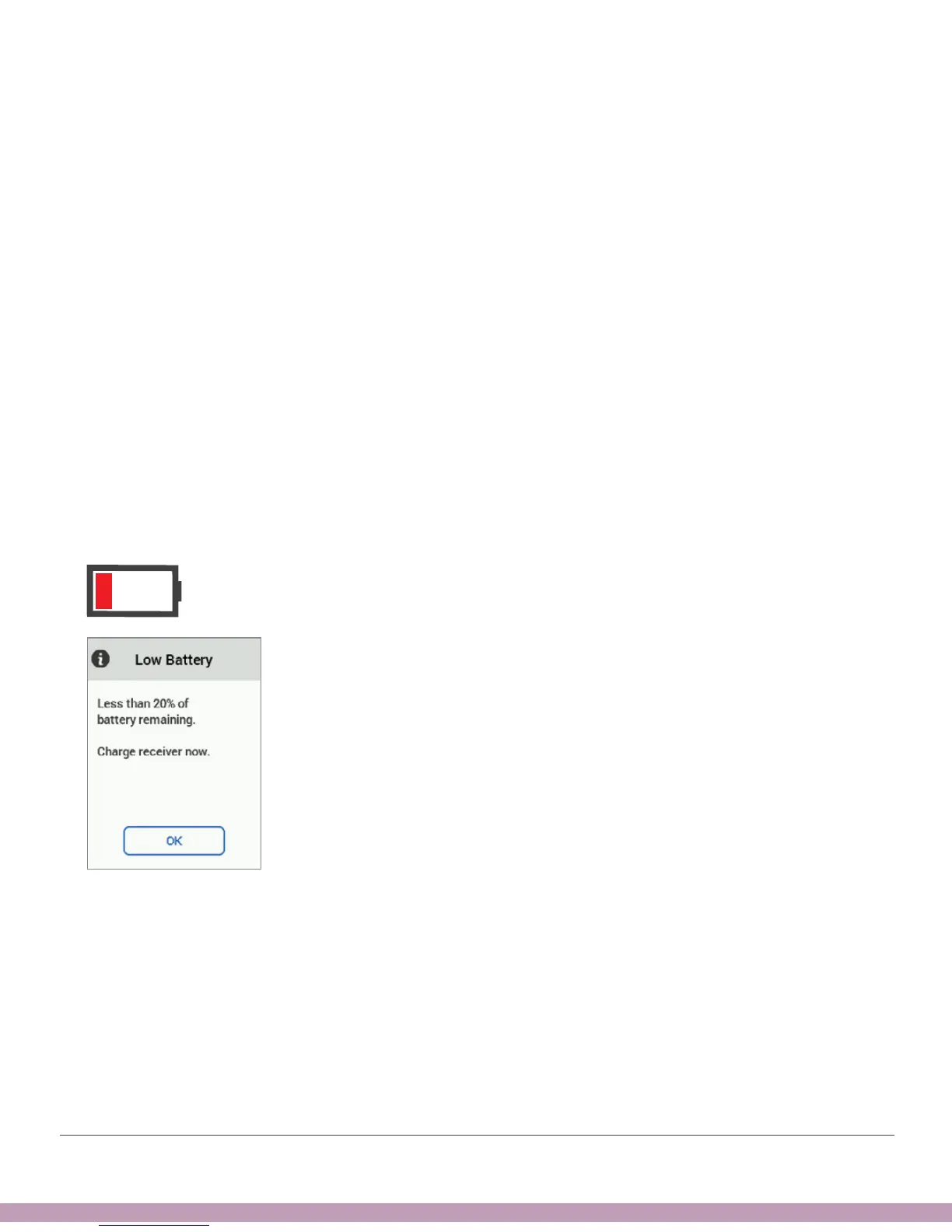
• Receiver displays low battery notification and icon. Appears when 20% remains
(shown below) and when 10% remains.
Solution
• Charge receiver
Prevention:
• To conserve battery power, you can power off the receiver by tapping Menu >
Shutdown. You won’t get alarm/alerts or G6 readings, but your sensor session
remains active.
• When the receiver and transmitter reconnect after a temporary shutdown, Signal
Loss, or similar issue, up to 3 hours of missed G6 readings can fill in on the graph.
• Shutting down the receiver does not extend your sensor session past the 10 days.



 To Next Page