Dexcom G6
®
System User Guide
277Appendix D: Take Care of Your G6
Each charge lasts approximately 2 days. If your receiver battery was drained prior
to charging, then after charging you may need to reset its time and date. If this is
required, the system tells you to reset and takes you to the applicable screens.
Receiver: Charging Battery
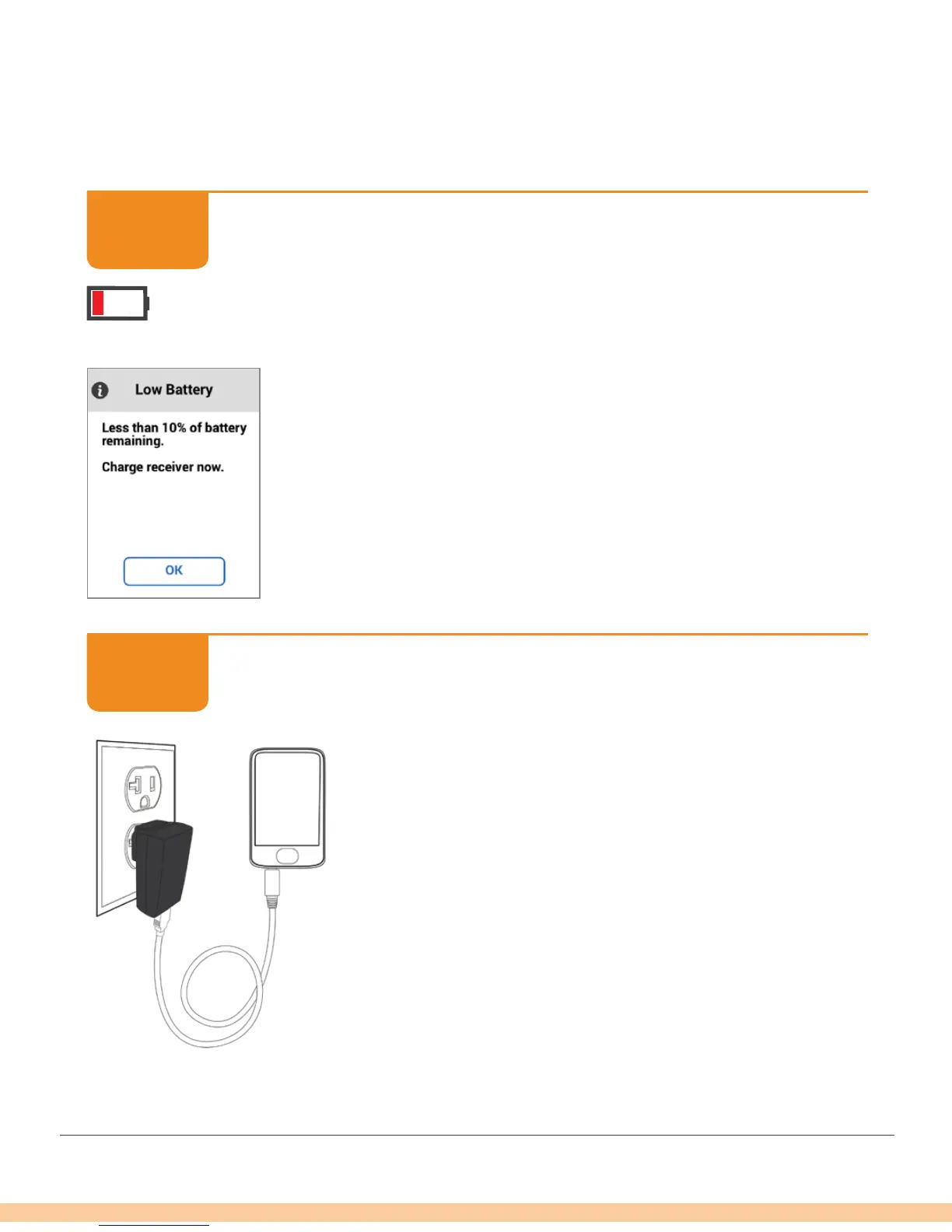
Tap OK.
Receiver: Charging Battery
Plug Micro USB cable into Micro USB port and wall
charger. Plug wall charger into electrical outlet.
STEP
1 of 4
STEP
2 of 4



 To Next Page