Dexcom G6
®
System User Guide
278Appendix D: Take Care of Your G6
Receiver: Charging Battery
Light in upper right corner goes on when charging.
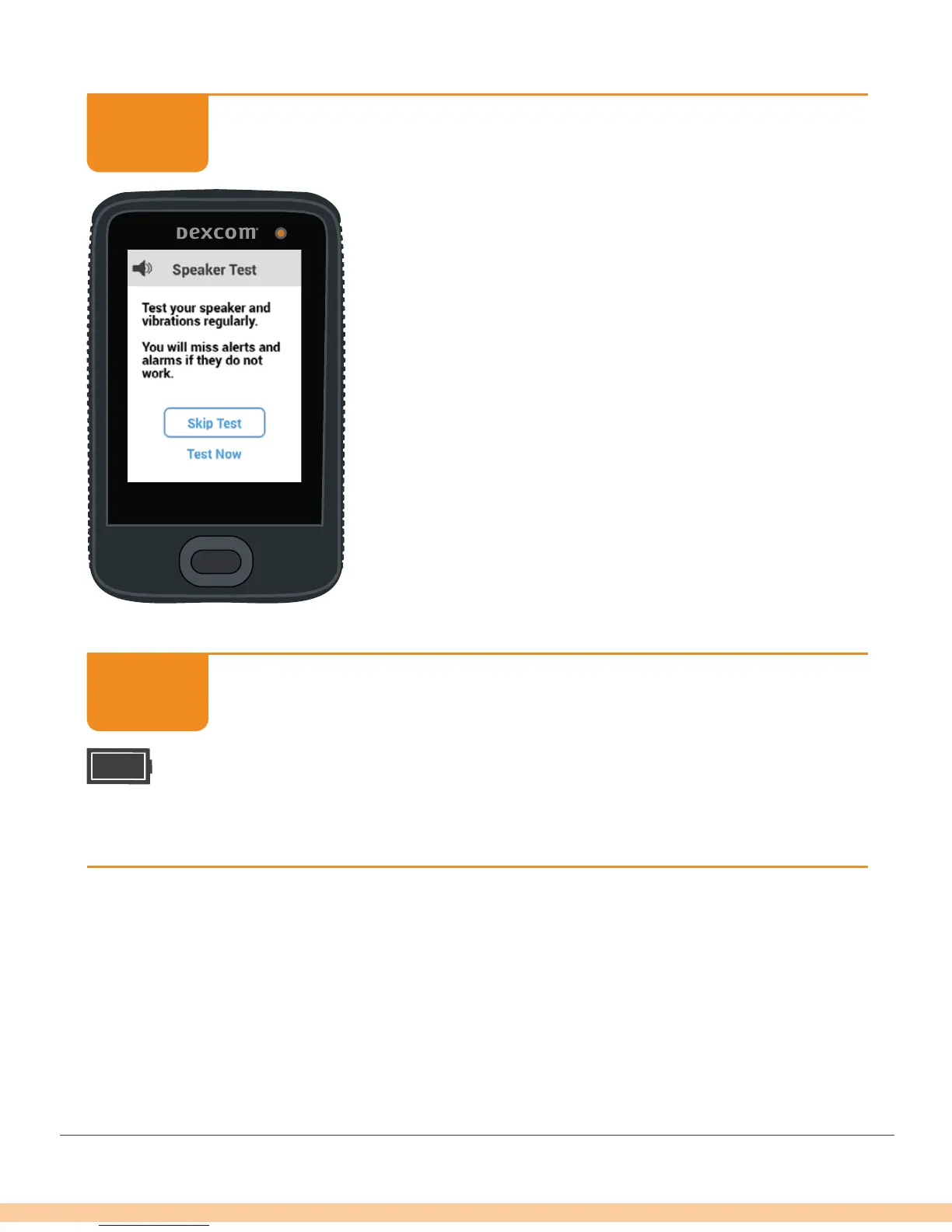
When you plug in the receiver to charge, the Speaker
Test screen displays. See Chapter 14 for more
information. Tap Skip Test to return to the Home
screen.
Keep charging until home screen displays battery icon
filled in.
Receiver: Charging Battery
Unplug wall charger from outlet when fully charged.
Home screen displays battery icon filled in when battery is charged.
Finished!
STEP
3 of 4
STEP
4 of 4



 To Next Page