Dexcom G6
®
System User Guide
280Appendix D: Take Care of Your G6
Transmitter
• Keep protected when not in use
• Store at temperatures between 32°F and 113°F
• Store between 10% and 95% relative humidity
Receiver
• Keep protected when not in use
• Fully charge the battery before storing for over 3 months
• Store at temperatures between 32°F and 104°F
• Store between 10% and 95% relative humidity
D.3 Checking System Information
You can check your app or receiver for information about your CGM system any time.
App: Check CGM Settings
App: Check CGM Settings
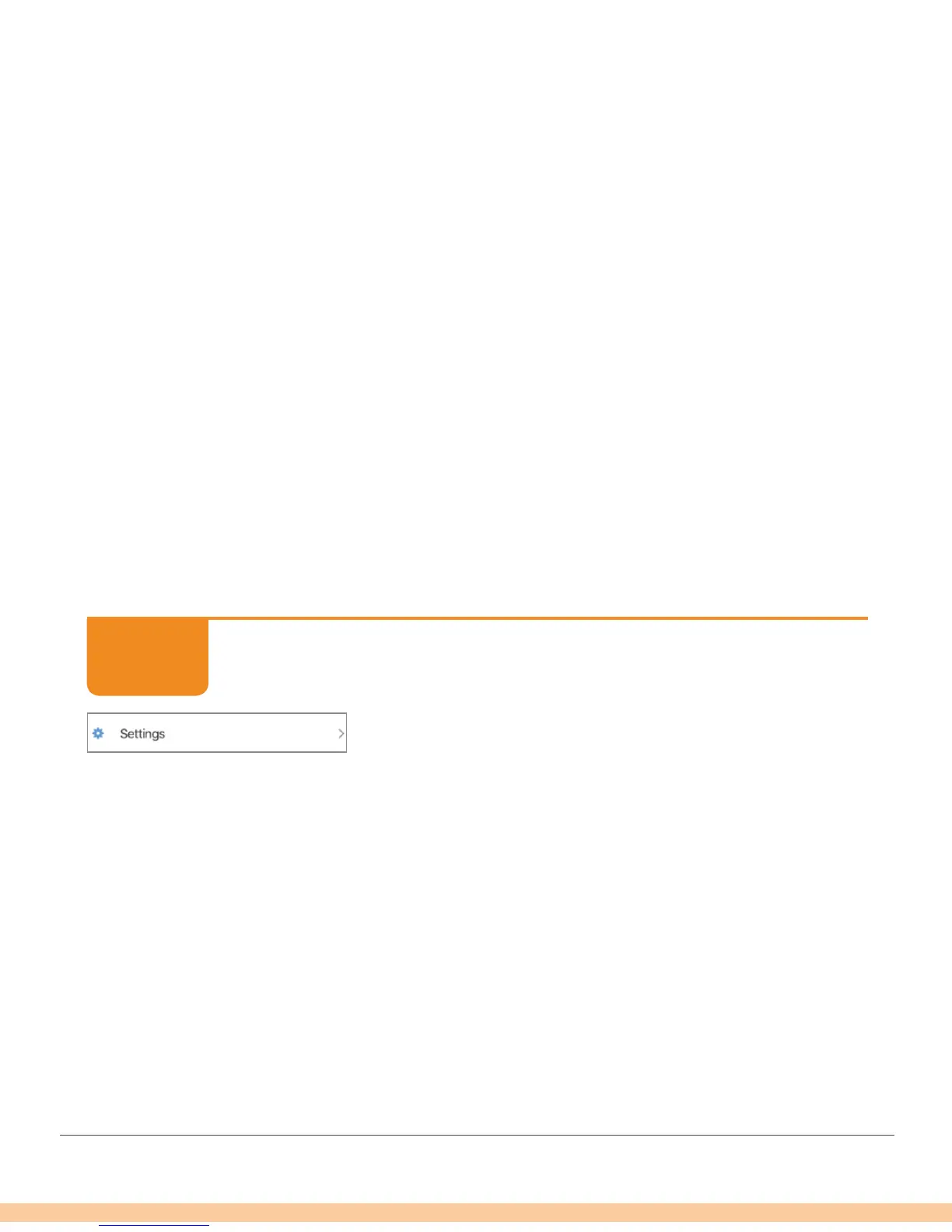
Tap Settings.
STEP
1 of 2



 To Next Page