Dexcom G6
®
System User Guide
281Appendix D: Take Care of Your G6
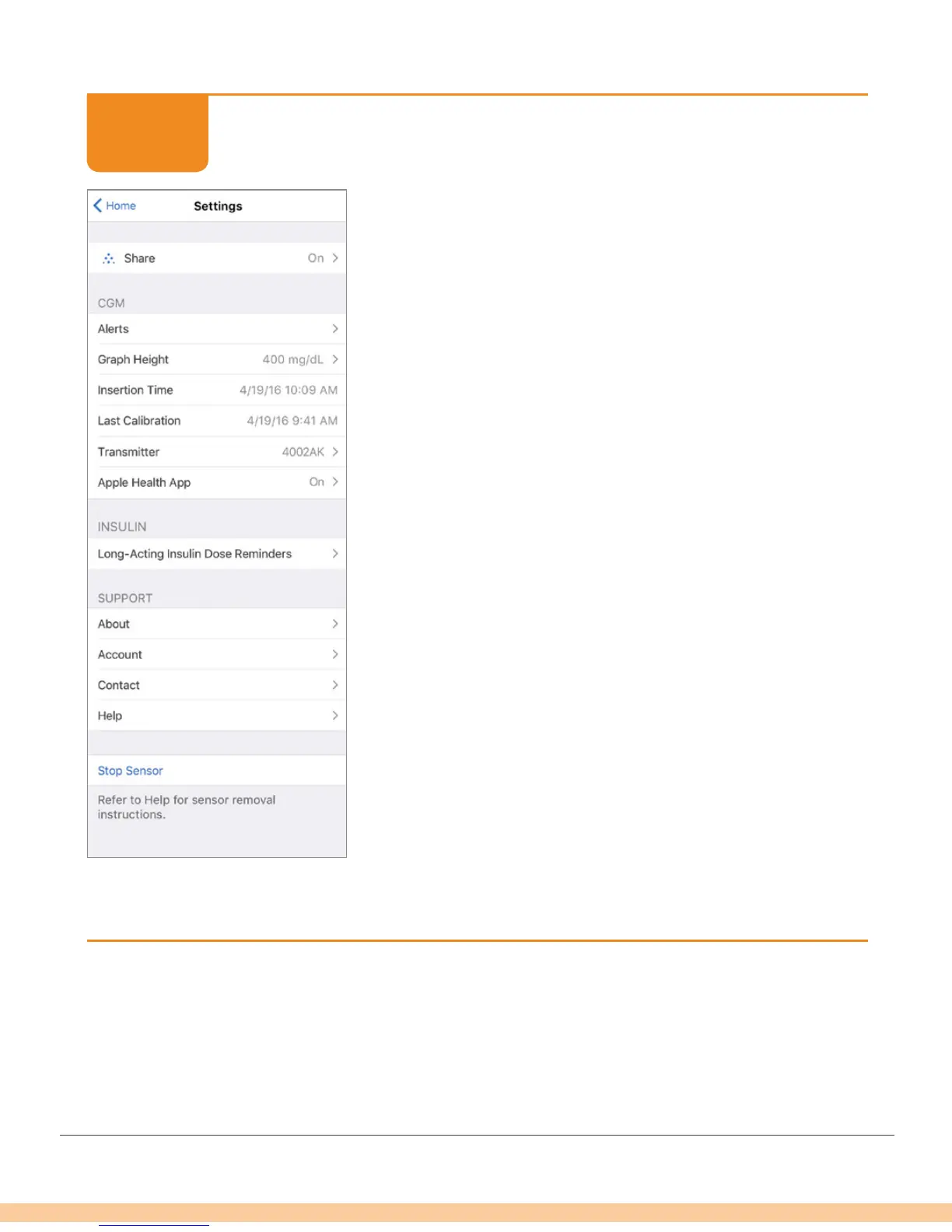
App: Check CGM Settings
You can update and/or check:
• CGM information: Insertion date and time, last
calibration, transmitter SN, when sensor expires
• Software versions: Transmitter and receiver
• Support: Online help, account, and contact
information
Finished!
STEP
2 of 2



 To Next Page