Dexcom G6
®
System User Guide
59Chapter 5: Set Up Your Display Devices
App: Setup
New users:
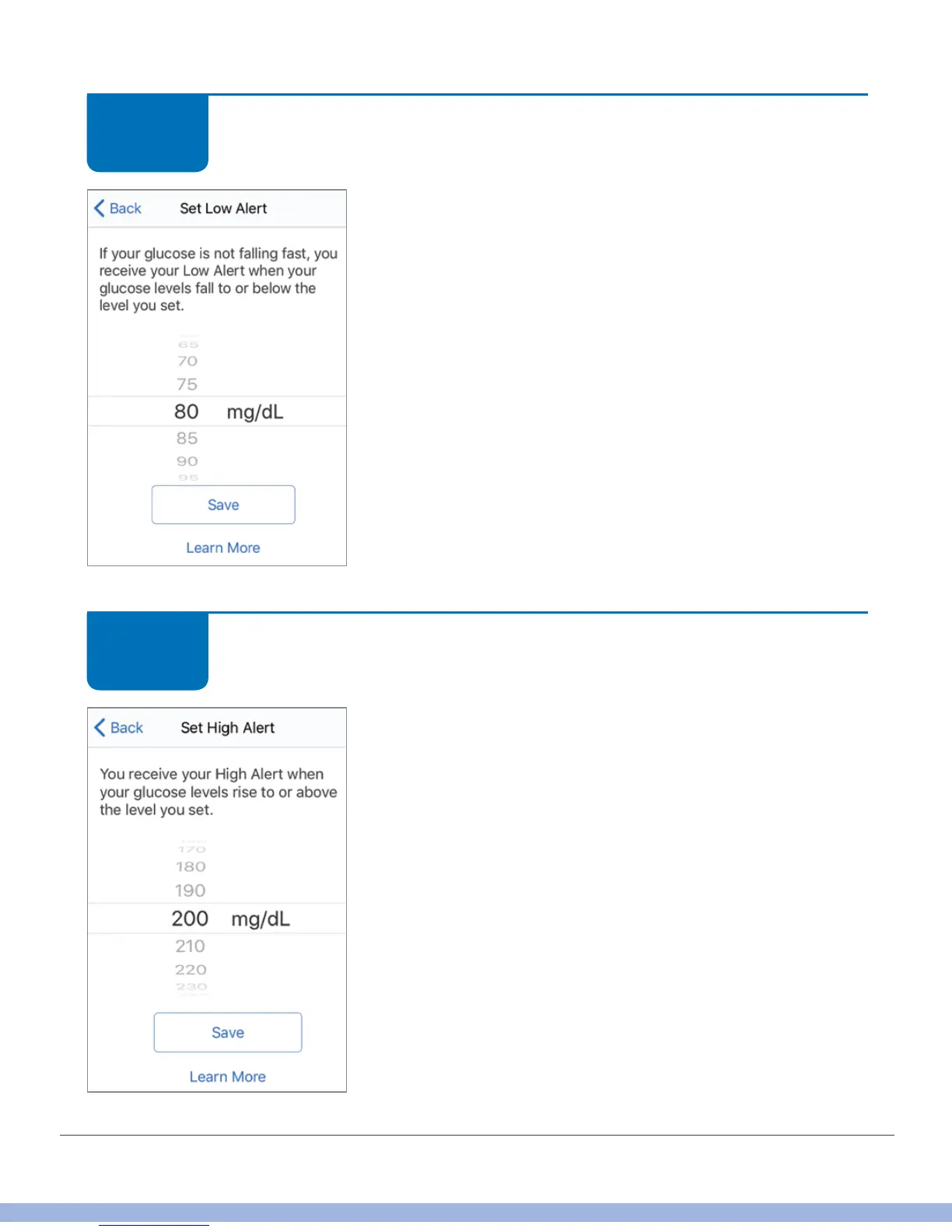
Set your Low Alert. You get an alert if your glucose dips
below the number you set. Default is 80 mg/dL.
Scroll to select your level.
Tap Save.
App: Setup
New users:
Set your High Alert. You get an alert if your glucose
rises above the number you set. Default is 200 mg/dL.
Scroll to select your level.
Tap Save.
STEP
7 of 14
STEP
8 of 14



 To Next Page