Dexcom G6
®
System User Guide
60Chapter 5: Set Up Your Display Devices
App: Setup
Apple:
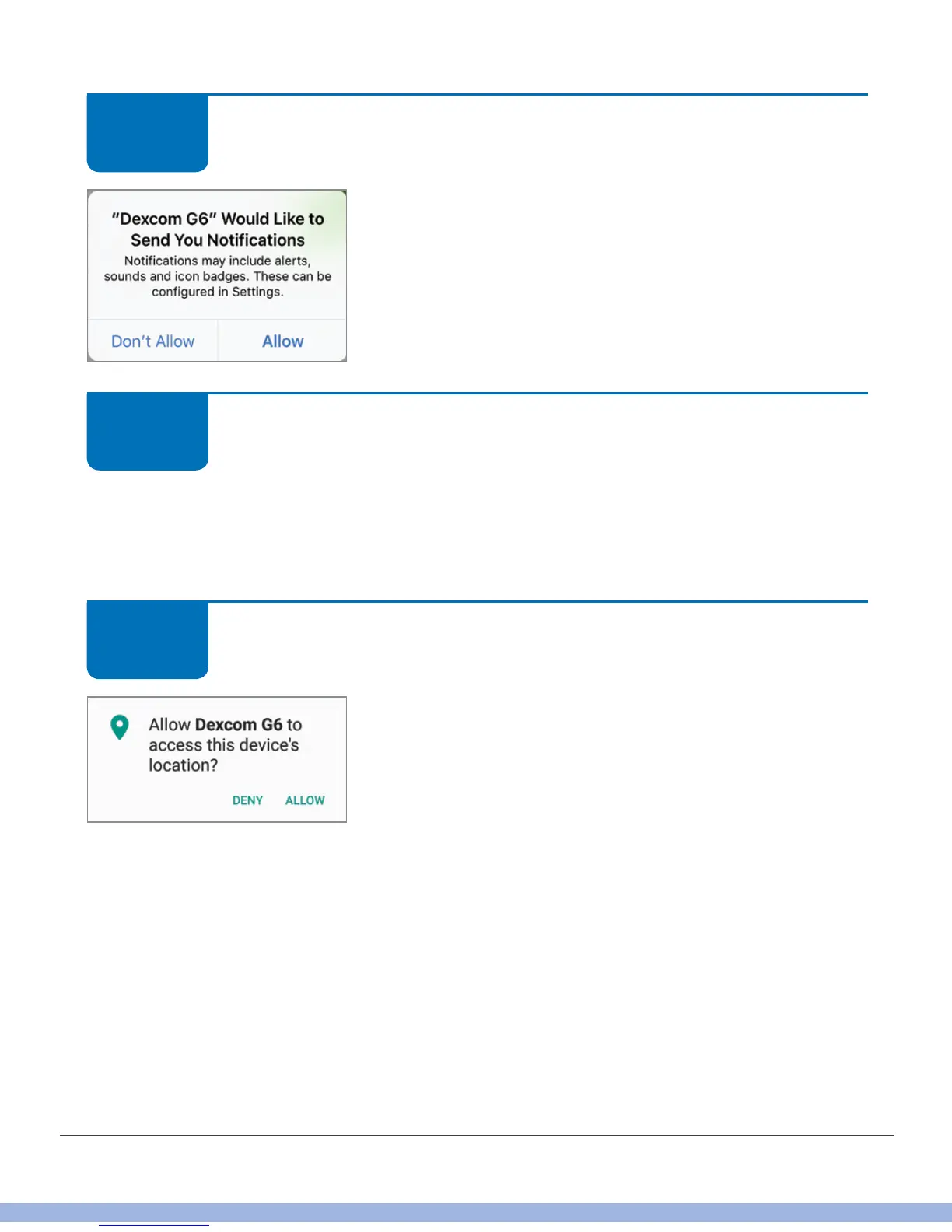
Make sure you get your alarm/alerts.
When asked, tap Allow to receive alarm/alerts.
App: Setup
Next are recommendations for making sure you hear your alarms/alerts, going over the
transmitter, and making sure Bluetooth is on.
Tap the appropriate answers to move forward or get more information.
App: Setup
Android: To use Bluetooth, the app may ask for access
to your device location. Tap Allow.
STEP
9 of 14
STEP
10 of 14
STEP
11 of 14



 To Next Page