Dexcom G6
®
System User Guide
61Chapter 5: Set Up Your Display Devices
App: Setup
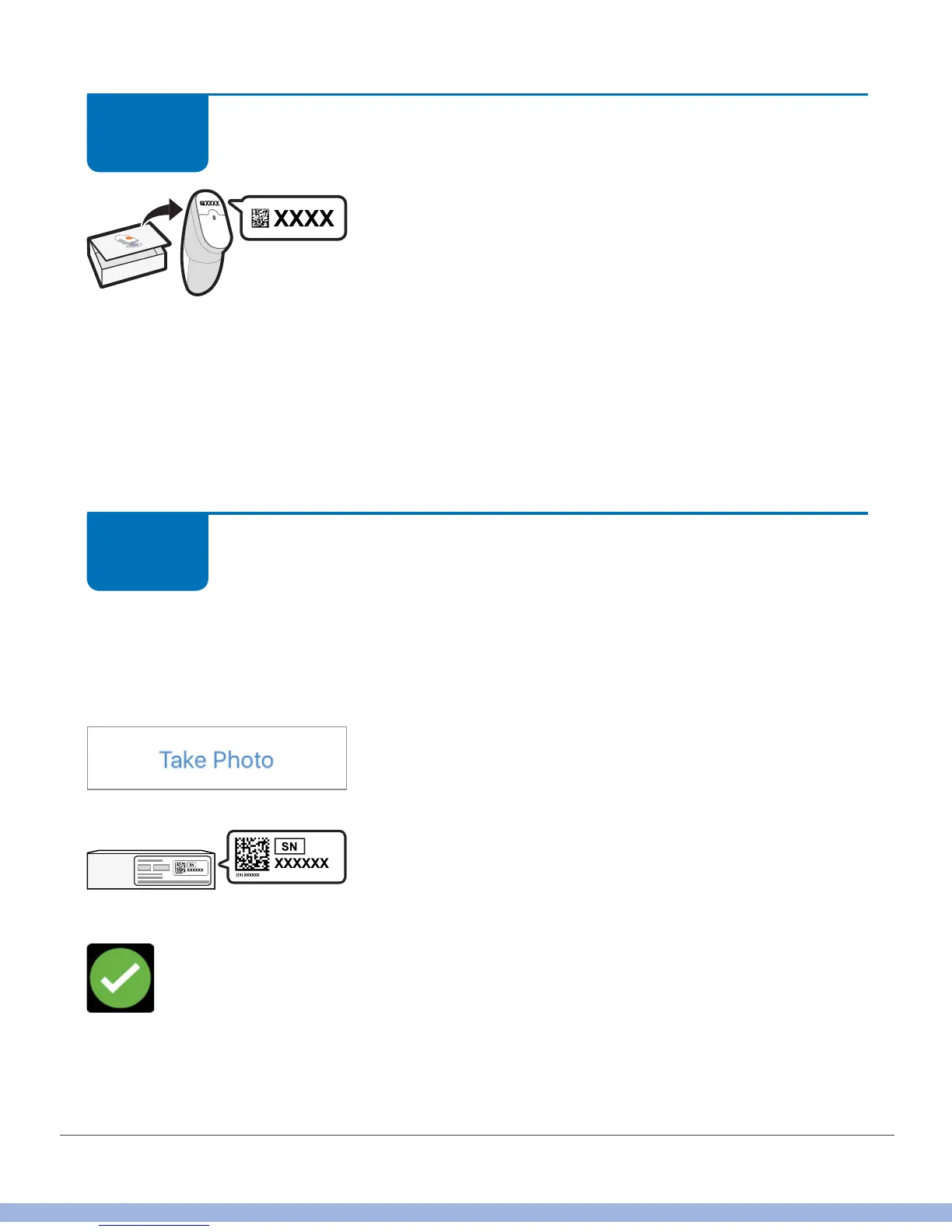
Enter sensor code.
If you don’t enter the sensor code, the G6 requires you
to calibrate on a daily basis.
The sensor code is on the applicator’s adhesive label
and is unique to that specific sensor. Enter the code from the applicator you’ll use
to insert your sensor. If you enter the sensor code from another applicator, your G6
readings may be off. Enter the code by manually typing it into the app or take a picture
of the 2D barcode.
Setting up both the app and the receiver? No need to enter the sensor code again; the
receiver will join your current sensor session.
App: Setup
Enter transmitter SN.
To enter, either take a photo of the 2D barcode on the transmitter box or type in the SN.
Photo instructions:
a. Get your transmitter box. Tap Take Photo.
b. Turn transmitter box on a flat surface with 2D
barcode facing up
Checkmark confirms you entered the SN.
STEP
12 of 14
STEP
13 of 14



 To Next Page