Dexcom G6
®
System User Guide
77Chapter 6: Start Your Sensor
Insert Sensor
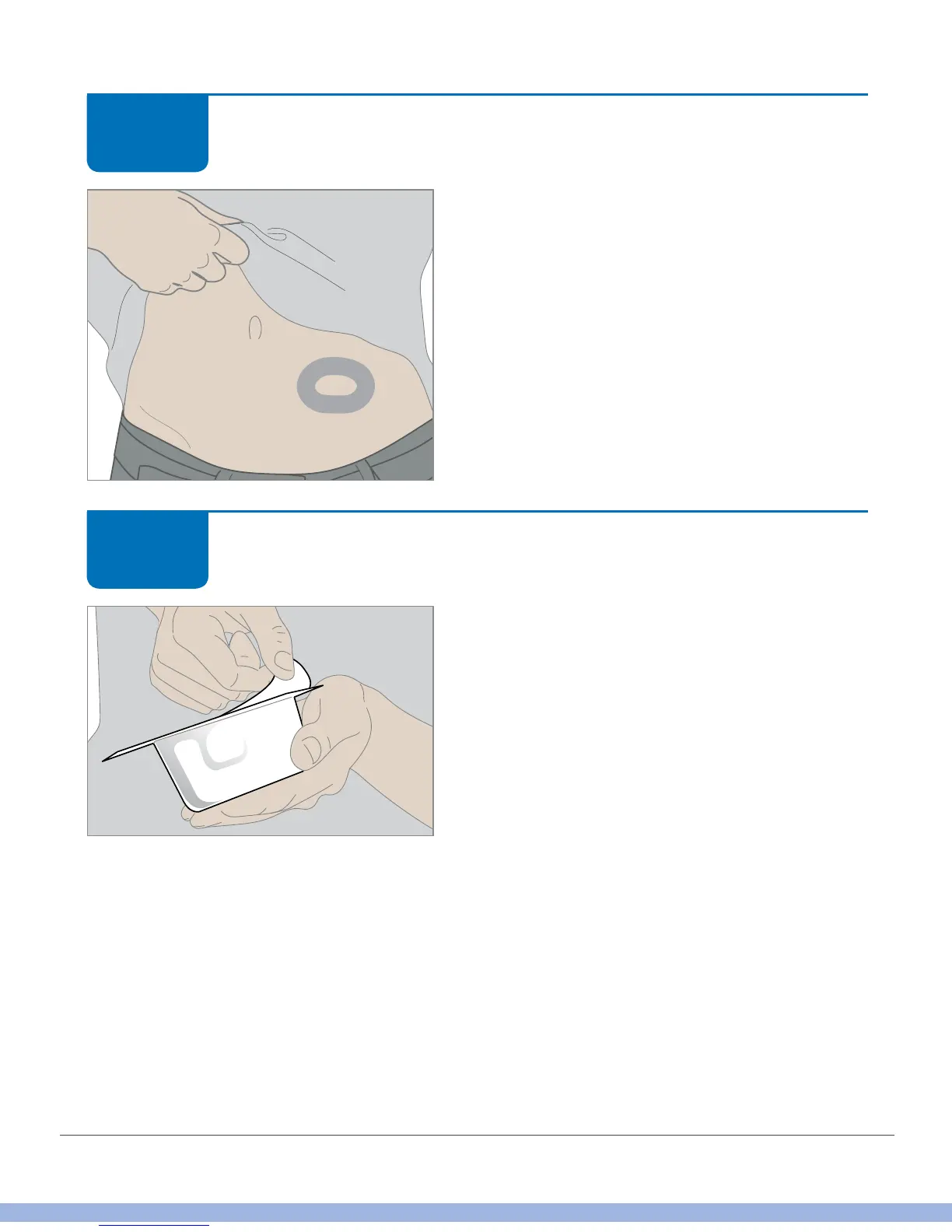
Optional Step: Skin Adhesive
• Create an empty oval on the skin with
the skin adhesive, such as Mastisol or
SkinTac.
• Let skin adhesive dry.
• Insert sensor on clean skin in center of
oval.
Insert Sensor
Get the applicator you used when entering the
sensor code. Check its packaging. Don’t use
if it’s damaged or was already opened before
you took it out of its box.
Make sure you use the same applicator Peel
off cover. Keep sensor packaging until sensor
session is complete.
Check sensor for damage.
STEP
3 of 10
STEP
4 of 10



 To Next Page