Dexcom G6
®
System User Guide
78Chapter 6: Start Your Sensor
Insert Sensor
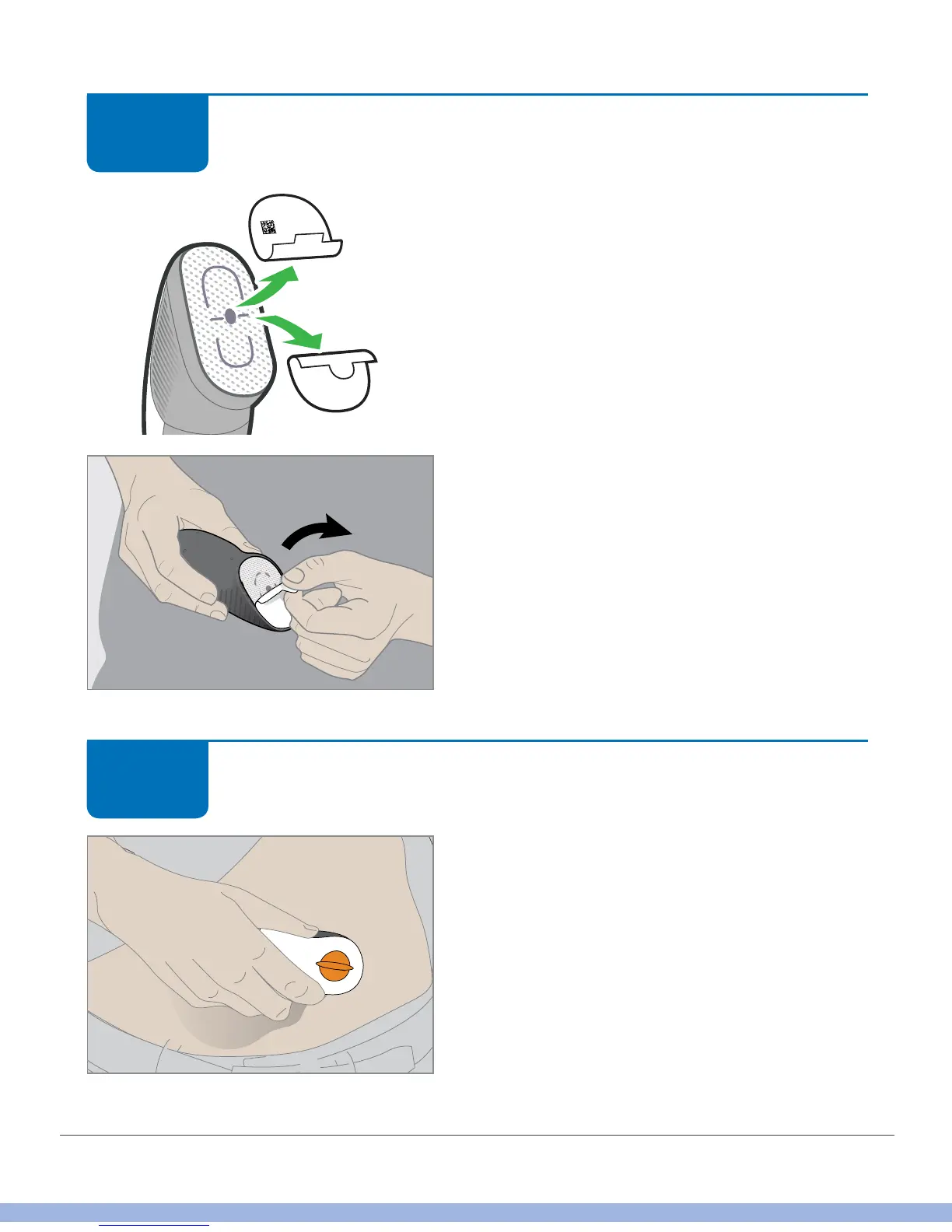
Pull off both adhesive labels.
Keep the tab with the sensor code.
Don’t touch adhesive.
Insert Sensor
Place applicator horizontally, not vertically, on
skin.
Firmly press down, sticking adhesive to your
skin.
STEP
5 of 10
XXXX
STEP
6 of 10



 To Next Page