© 2013 DHD Deubner Hoffmann Digital GmbH
36
Series 52 - 52/DX Compact Mixing Console Manual
Specifications and design are subject to change without notice. The content of this document is for information only. The information presented in this document does not form part
of any quotation or contract, is believed to be accurate and reliable and may be changed without notice. No liability will be accepted by the publisher for any consequence of its use.
Publication thereof does neither convey nor imply any license under patent rights or other industrial or intellectual property rights.
Select the colour of the peak program meter on the TFT display. The
selected colour is used for all peak program meters of the 52/DX.
Select your preferred type of peak meter scale.
Select the decibel value at which the level bar turns red for signaling
a critical level area. (-20 dB to +20 dB)
Select the decibel value, which will be added to the level bar to
adjust the shown signal level.
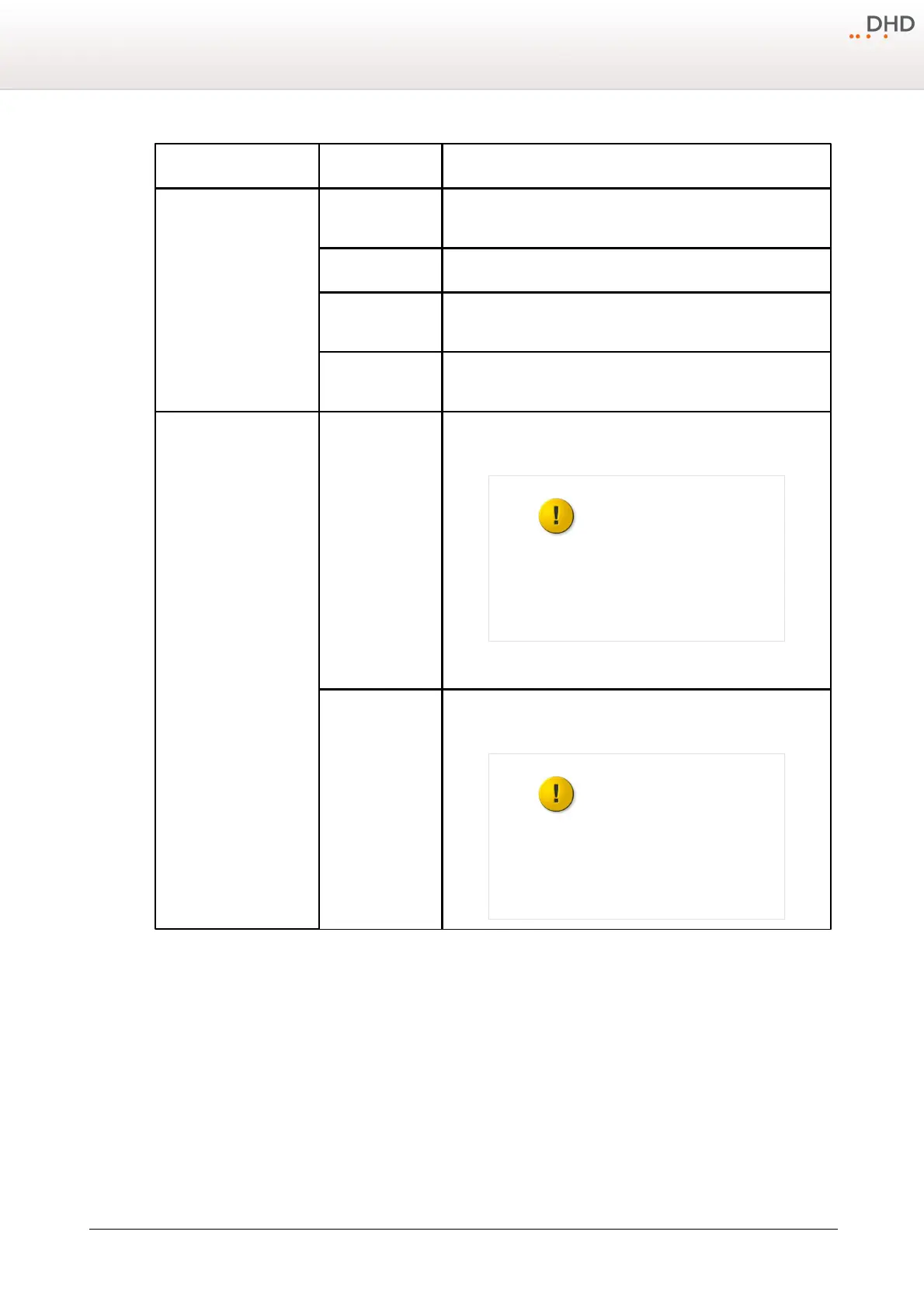
Use Control Network
Option
To enable the features of the XC/XS Core Control Networking licence
select this check box.
The configuration can only
be loaded into the device,
if the corresponding licence
key is assigned to this
device.
To enable the features of the XC/XS Core Audio Network licence
select this check box.
The configuration can only
be loaded into the device,
if the corresponding licence
key is assigned to this
device.



 To Next Page