Version 1.2.0 - 04.02.2013
29
Configuration
Specifications and design are subject to change without notice. The content of this document is for information only. The information presented in this document does not form part
of any quotation or contract, is believed to be accurate and reliable and may be changed without notice. No liability will be accepted by the publisher for any consequence of its use.
Publication thereof does neither convey nor imply any license under patent rights or other industrial or intellectual property rights.
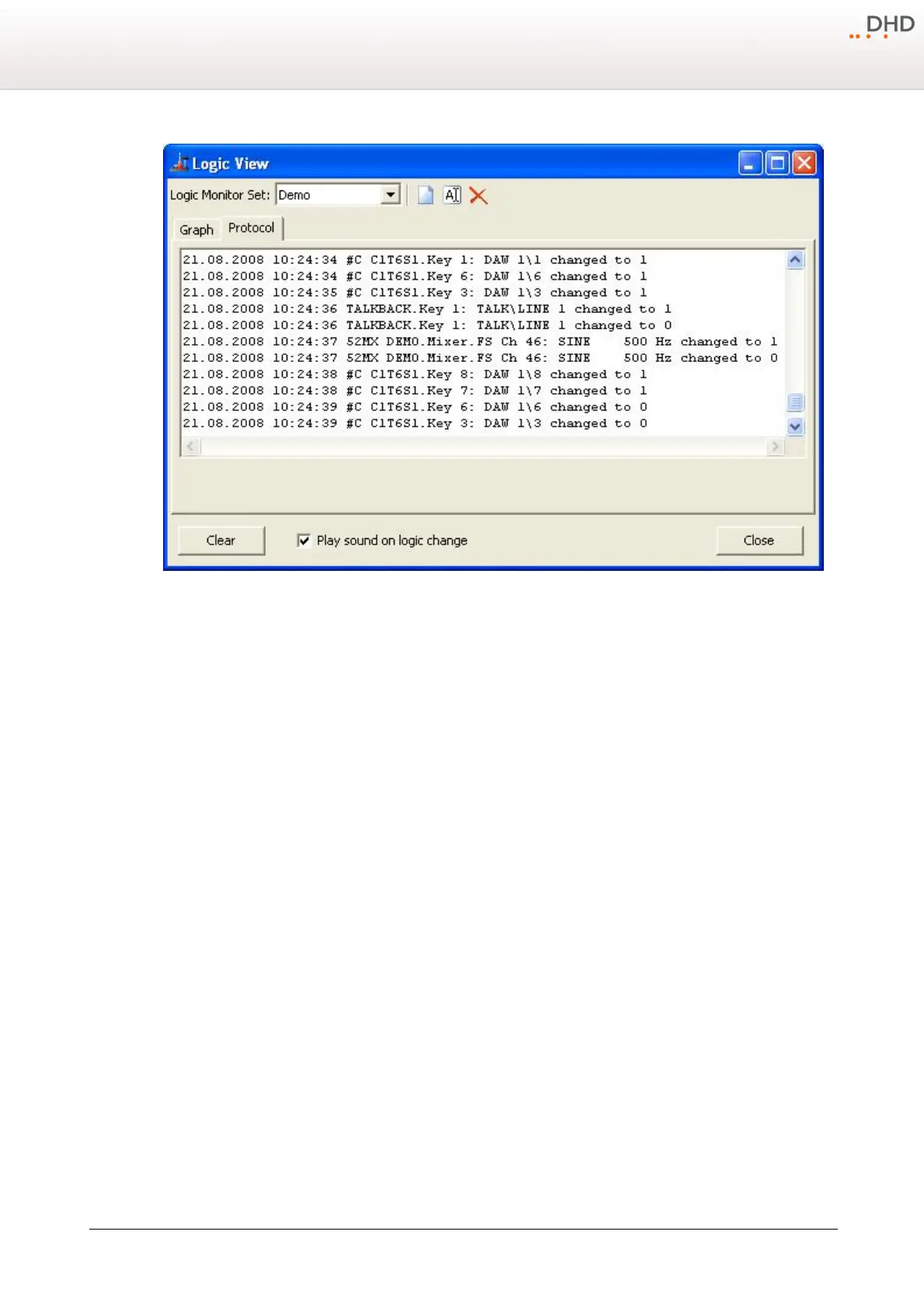
Logic states, shown in a list.
10.1.3 Transfer Menu
Connecting the Configuration PC and the Device
To load a Config from a device to the DXConfig software or write it back to the device after modifying it, the configuration
data has to be exchanged between the configuration PC and the devices. This is done by an Ethernet connection using
TCP/IP.
The commands
Load to Device
and
Load from Device
load and store a Config to and from the device
respectively. In the DXConfig software, you can choose between different options, how the configuration PC can exchange
data with the device.
Select the command for up- or download. After that, the
DHD Connection Dialog
window opens that is identical for
both commands:



 To Next Page