© 2013 DHD Deubner Hoffmann Digital GmbH
50
Series 52 - 52/DX Compact Mixing Console Manual
Specifications and design are subject to change without notice. The content of this document is for information only. The information presented in this document does not form part
of any quotation or contract, is believed to be accurate and reliable and may be changed without notice. No liability will be accepted by the publisher for any consequence of its use.
Publication thereof does neither convey nor imply any license under patent rights or other industrial or intellectual property rights.
10.9 Users
On the
Users
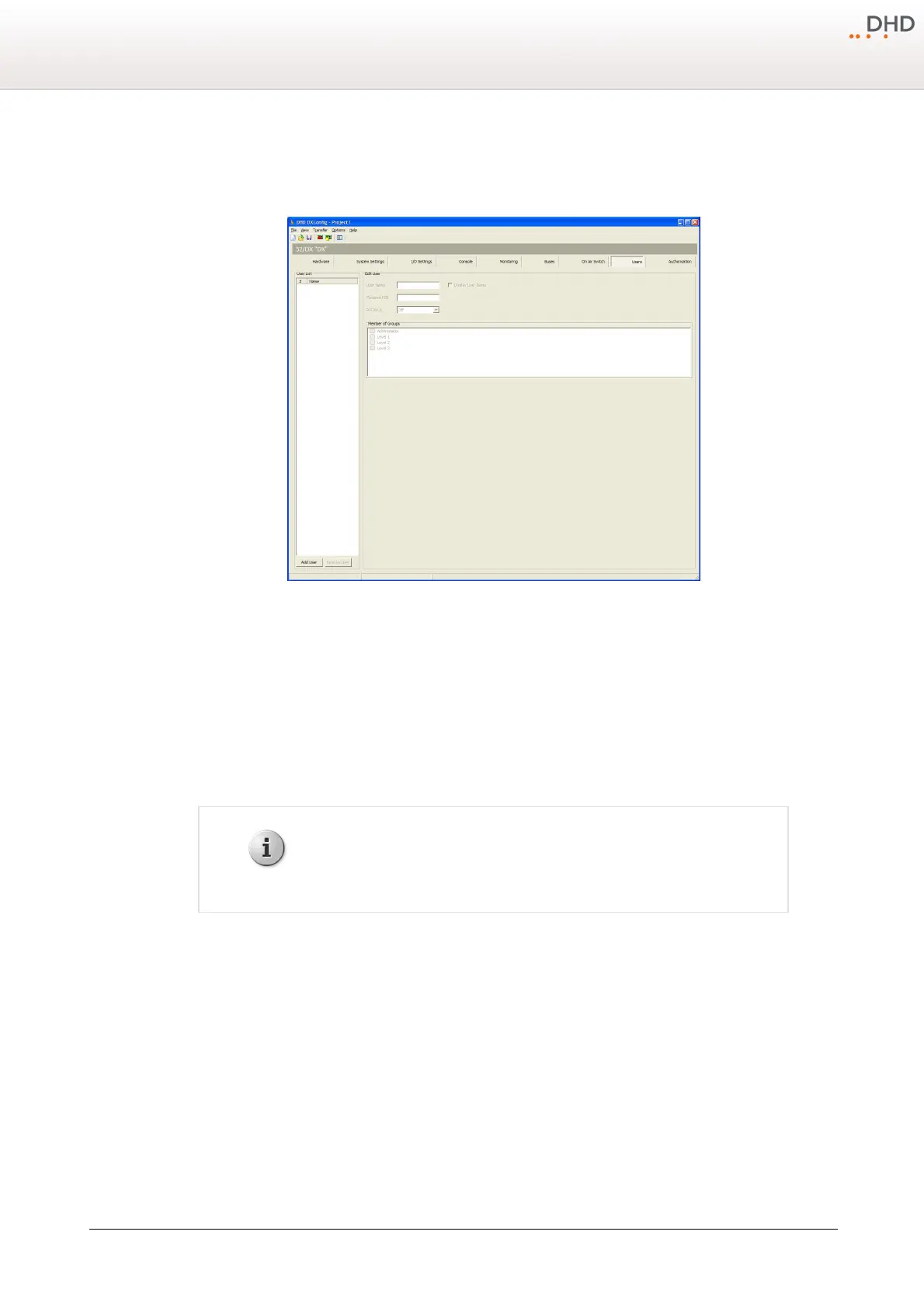
page you can you can create users with different access rights.
DXConfig Software - Users
You can create users with different access rights by assigning them to the preconfigured user groups. To do this, follow
these steps:
1. In the
User List
area, click
Add User
to create a new user.
2. In the
Edit User
area, in the User Name box, type a distinctive user name, for example "technician".
3. In the
Personal PIN
box, enter a four-digit PIN code, which identifies the user at the log in process on the console.
4. In the
Member of Groups
area, select one or more user groups to assign the selected user to these groups.
You can log out the users automatically after a defined duration. After this duration the user has to log in again. Choose
this duration from the
Autolock
drop-down menu. You can select
2
,
5
,
10
,
15
,
20
or
30
minutes or select
Off
to disable this feature.
The
Display User Name
check box has no function for 52/DX devices.



 To Next Page