Version 1.2.0 - 04.02.2013
37
Configuration
Specifications and design are subject to change without notice. The content of this document is for information only. The information presented in this document does not form part
of any quotation or contract, is believed to be accurate and reliable and may be changed without notice. No liability will be accepted by the publisher for any consequence of its use.
Publication thereof does neither convey nor imply any license under patent rights or other industrial or intellectual property rights.
10.4 I/O Settings
On the
I/O Settings
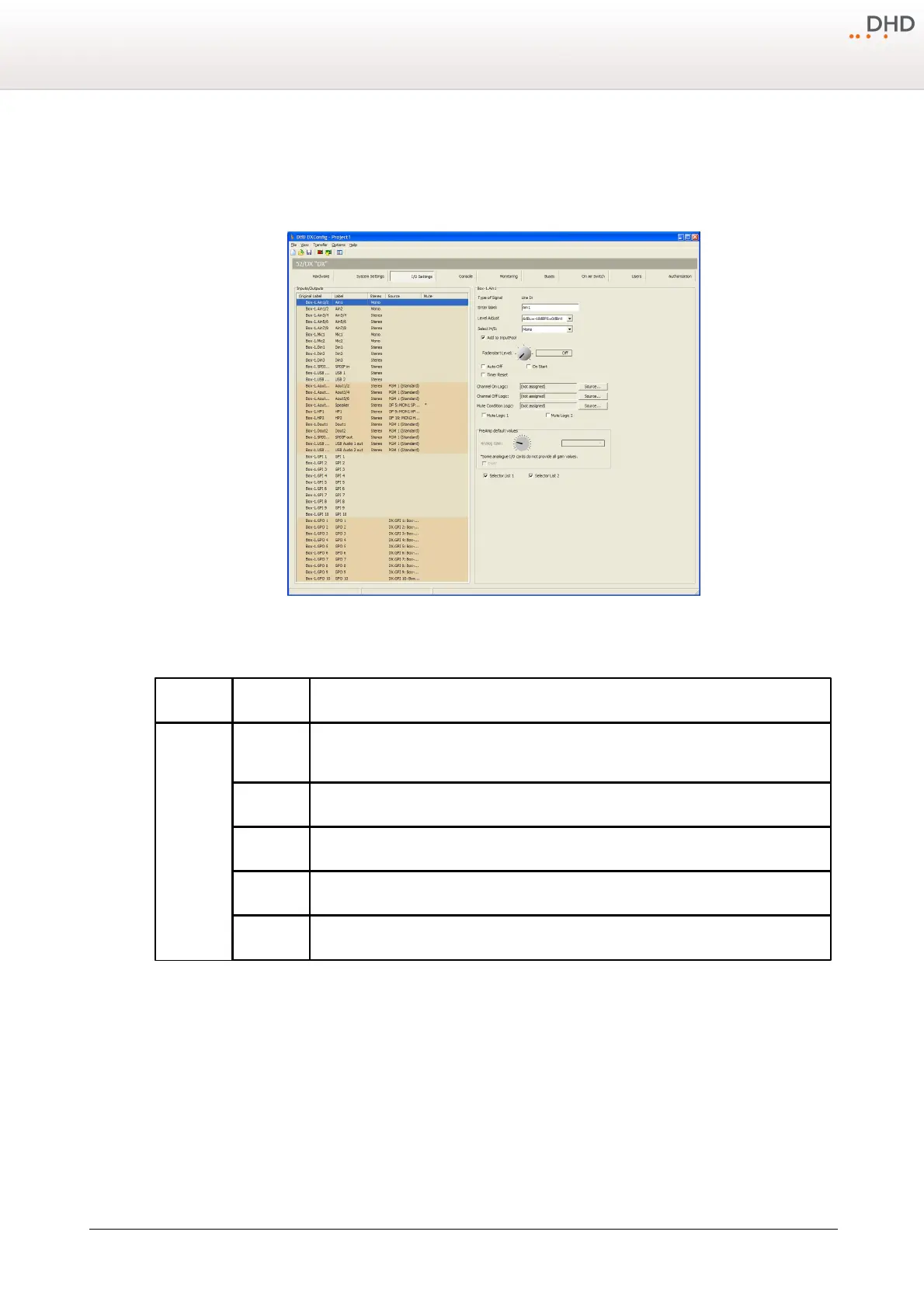
page, you can configure different options for each input and output. Not all options are available
for any input or output.
DXConfig Software - I/O Settings
In the following table you can find the descriptions for these options.
This column shows the internal label which is generated in that scheme: <module type->.
<port label>
Individual Label, double-click on the label and change the current name.
Indicates if the signal is mono or stereo.
Shows the assigned audio/logic source for input and output.
Shows, that a Mute Logic is assigned to an output.



 To Next Page