Micronics C400 System Board Manual
Chapter 3: Installing the Micronics C400
28
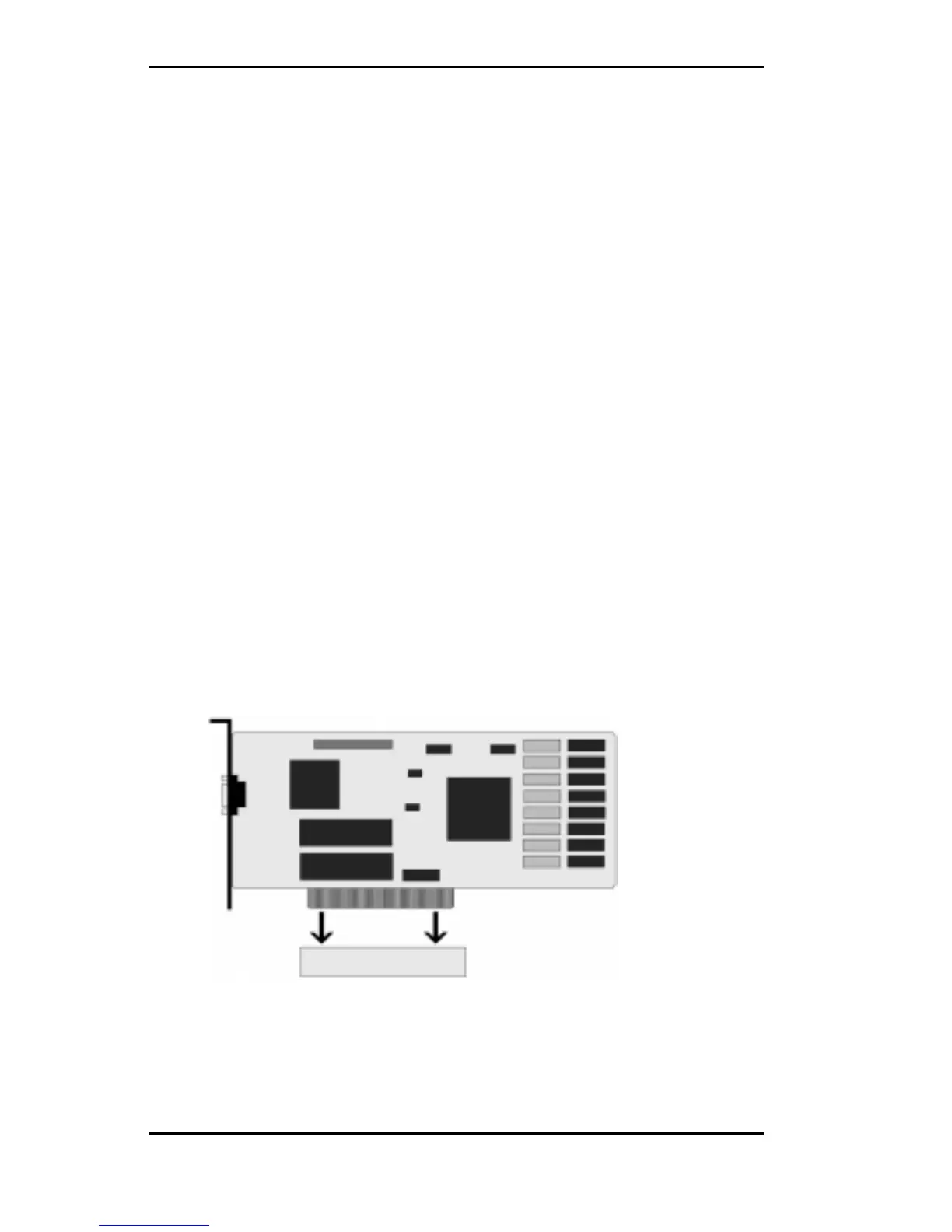
Installing a PCI Peripheral Card
The Micronics C400 PCI slots accommodate all PCI pe-
ripherals that meet the PCI 2.1 specifications. Follow the
steps below to install a PCI card:
1. Turn the computer system off and remove its cover.
2. Choose an unused PCI slot and remove the slot cover.
3. Insert the card with the bottom edge level to the slot.
Never insert the card at an angle.
4. Carefully push the card straight down, making sure
the card is fully inserted.
5. Replace the screw which holds the card in place.
6. Replace the computer cover.
7. Refer to the PCI card’s documentation additional
instructions regarding installation and software driv-
ers.
Figure 3-4: Installing a PCI Card



 To Next Page