Micronics C400 System Board Manual
Chapter 4: The BIOS Setup Utility
34
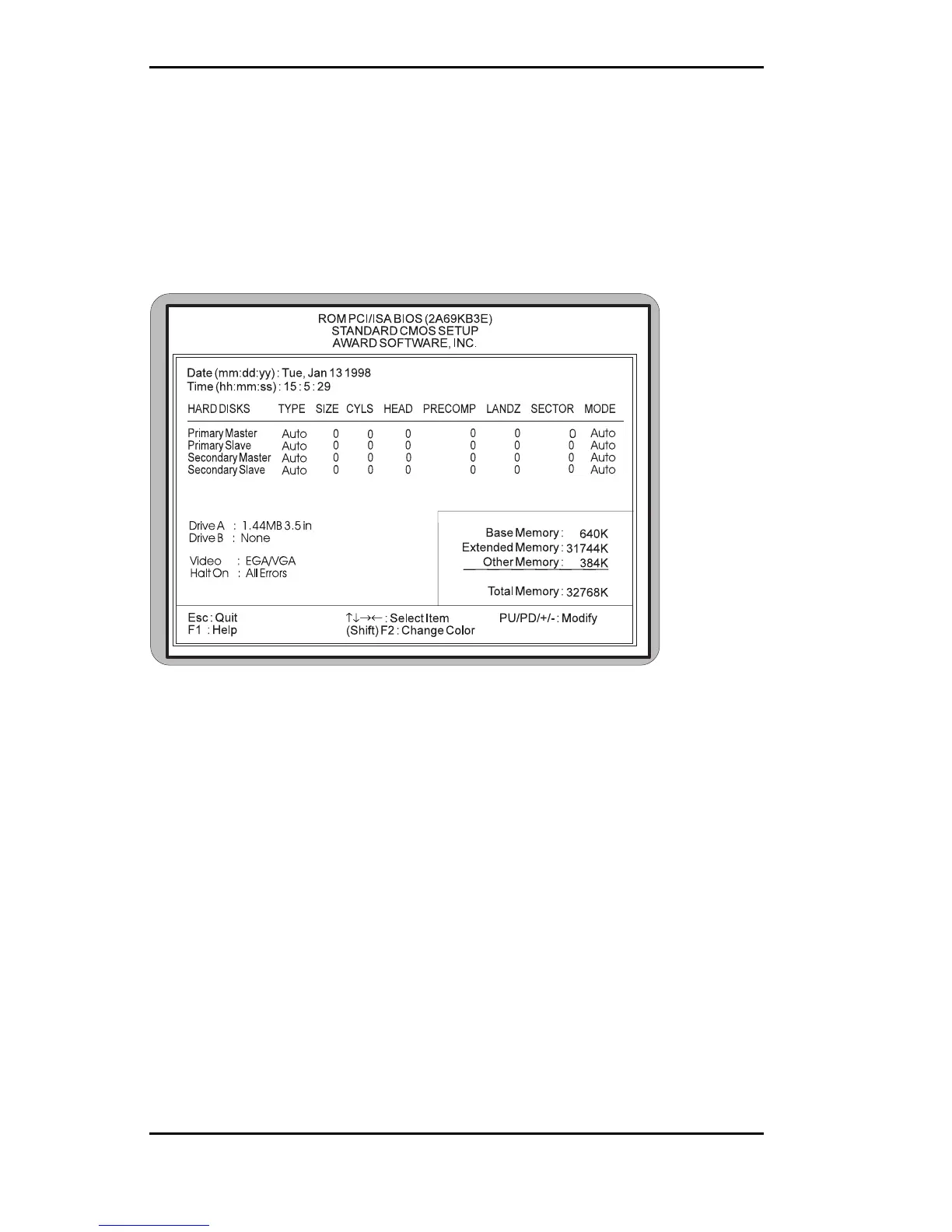
Standard CMOS Setup
The STANDARD CMOS SETUP allows checking or modi-
fication of general configuration information. To access
the STANDARD CMOS SETUP screen, highlight this
option on the main menu screen and press <ENTER>.
Figure 4-3. Standard CMOS Setup Screen
Date and Time
To set the date, use <→/←↑/↓> arrow keys to highlight
the date and follow the same procedure to set the time.
Hard Disks Setup
The BIOS supports up to four IDE drives. You can specify
the physical and electronic properties of the disk drives
installed. Relevant specifications include the type, num-
ber of cylinders (CYLS), heads (HEAD), write pre-
compensation time (PRECOMP), read/write head land-
ing zone (LANDZ), number of sectors per track (SEC-



 To Next Page