Introduction
3
About Your DISH Network Account
1
2
3
4
5
6
7
8
9
10
11
R
2
3
4
5
6
7
8
9
10
R
11
Guide Conventions
• The names of remote control buttons are all uppercase.
Example
: Press SAT.
• Select
means to move the highlight to an on-screen option or choice in a list an
d press
SELECT on the remote control.
Example
: Select the Locks option.
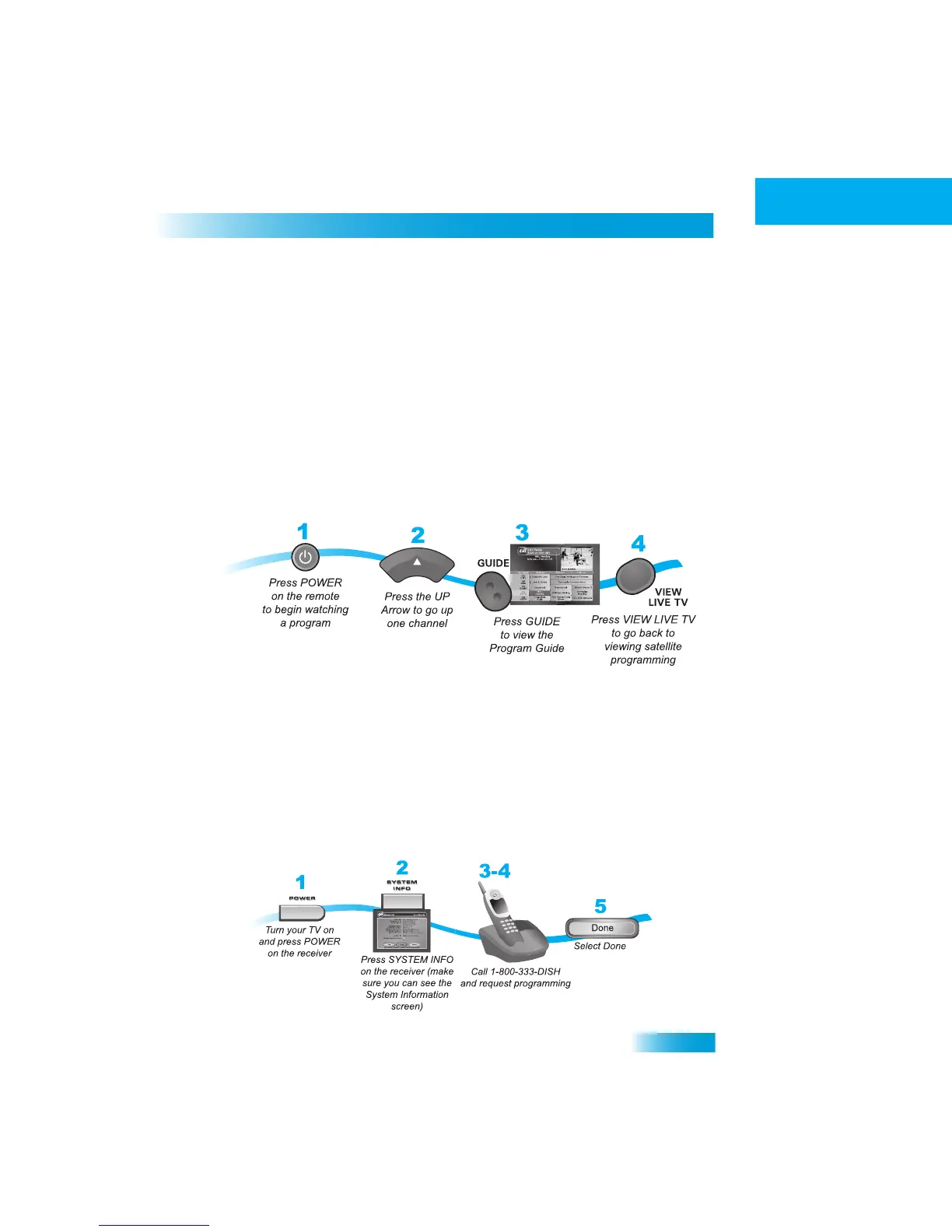
• The instructions in this guide are shown in one of two ways:
–
Instructions in the form of
pictures are handy if you’d like to learn something
quickly. These instructions are numbered left to right as shown
in the sample
below.
– Instructions that are written out are help
ful if you’d like to learn more about a
feature or function of the receiver.
– If the instructions are complic
ated, you’ll see both methods.
ABOUT
YOUR
DISH N
ETWORK
A
CCOUNT
This section explains how to order your packages and shows you wher
e to find
information about your DISH Network account.
Ordering Your Programming Packages
Before you can enjoy your new receiver, you must order your progr
amming packages.



 To Next Page