Chapter 1
6
Why Connect to a Phone Line
Solar Interference
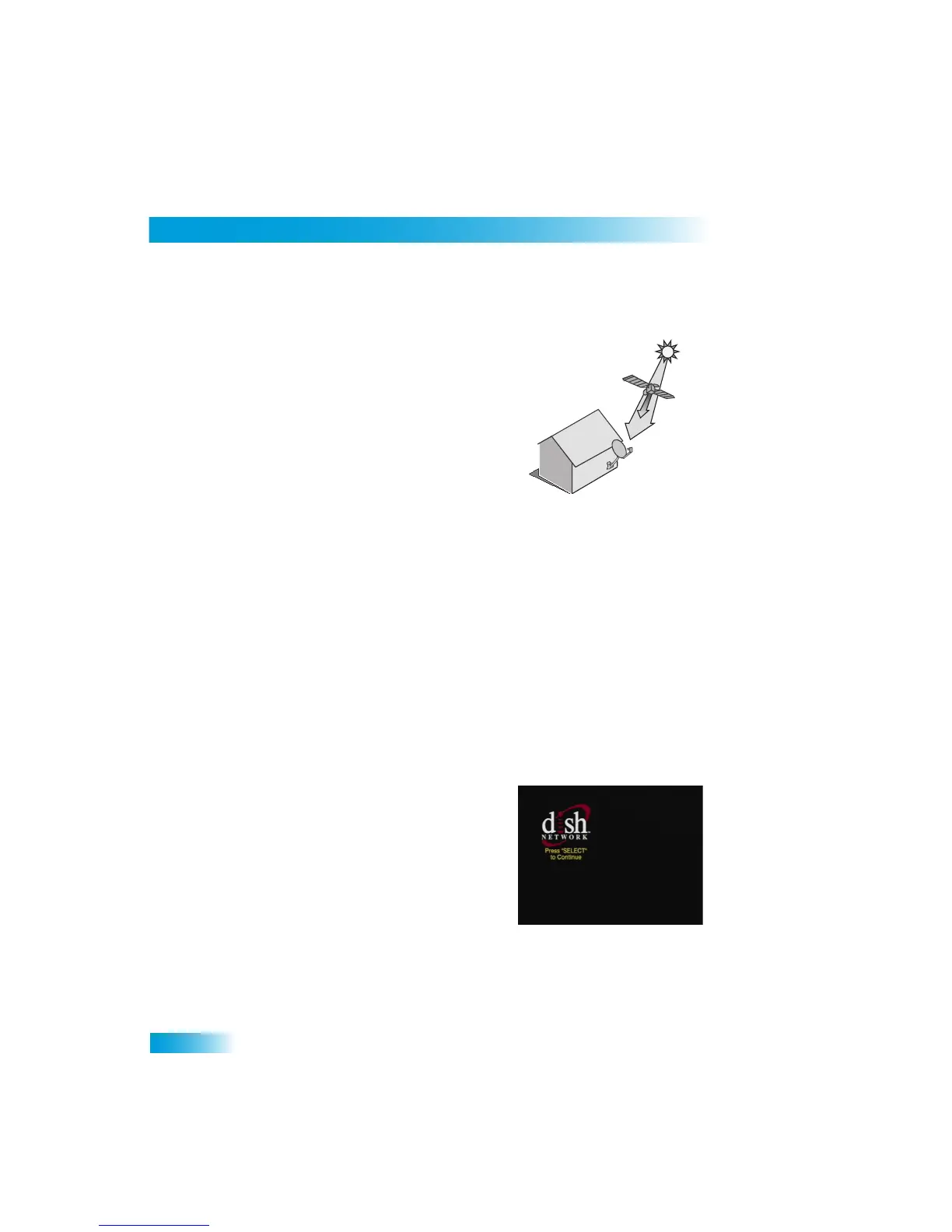
Twice a year, the sun moves to a position behind
the DISH Network satellite as it
orbits the Earth. This event occurs during a few
days at the beginning of the spring
and the beginning of the autumn and lasts only a
few minutes.
During these brief periods,
you will not be able to
see programs on DISH Network.
When the sun has moved from behind the
satellite, the programs
will reappear. This is
an unavoidable natural event for all television
involving the use of sate
llites and has an adverse
effect on many program providers.
W
HY
C
ONNECT
TO
A
P
HONE
LINE
Your satellite receiver is equi
pped with a standard
telephone jack that you use to connect
to an active telephone line.
Keep the receiver connected to an active telephone line so
that you will be able to order pay-per-view prog
rams using your remote
control, use all of
the dish home Interactive TV
features, and other services
from DISH Network (see
page 39).
MOVING
O
N
-SCREEN
LOGO
Whenever the receiver is turned off using the
remote control or front panel POWER button, you
will see the DISH Network logo moving around
on your TV screen. This feature is included with
your receiver to assure you that the connections
between your receiver and TV(s) are not lost.
Press POWER or SELECT
on the remote control
to resume watching sa
tellite TV programming.
The moving logo does not display if you have the
receiver connected to the TV with the TV SET
OUT connection (see page 73).



 To Next Page