Chapter 6
34
Creating or Changing Ratings Locks
CREATING
OR
C
HANGING
R
ATINGS
LOCKS
You can lock programs based on Motion Picture Association of Amer
ica (MPAA) ratings
(PG, PG 13, etc.) and expanded ratings (violence, language, etc.).
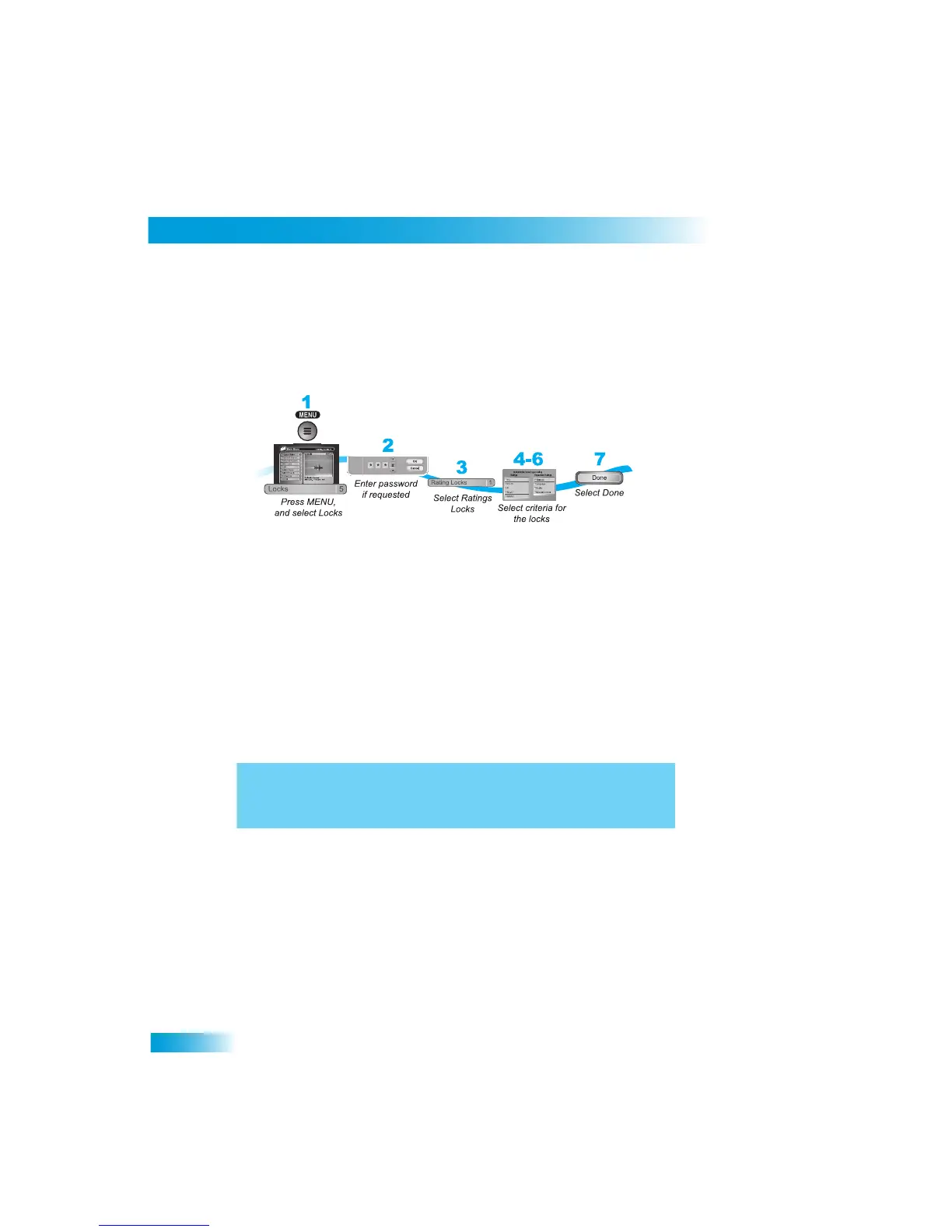
1
Press MENU and select Locks (5).
2
If the receiver is locked, enter the passw
ord using the NUMBER PAD. The receiver
displays stars (*) as you enter the digits of the password. Select OK.
3
Select Ratings Locks (1).
4
Highlight the least restrictive
rating that you want to block. Press SELECT to lock the
highlighted rating and all ratings more restrict
ive than it (for example, locking PG 13
automatically locks
R and NC-17).
5
Select the expanded rating code(s), if you want to also lock these ra
tings.
6
To unlock a rating co
de, select the code.
7
Select Done. Make sure the receiver is locked as described on pag
e 33.
From the History Vault - If it's November 1st, wish the movie ratings
system a happy birthday because the Motion Picture Association of
America introduced the system in 1968.



 To Next Page