Connections and Setup
83
Using Troubleshooting Tools
1
2
3
4
5
6
7
8
9
10
11
R
1
2
3
4
5
6
7
8
9
10
R
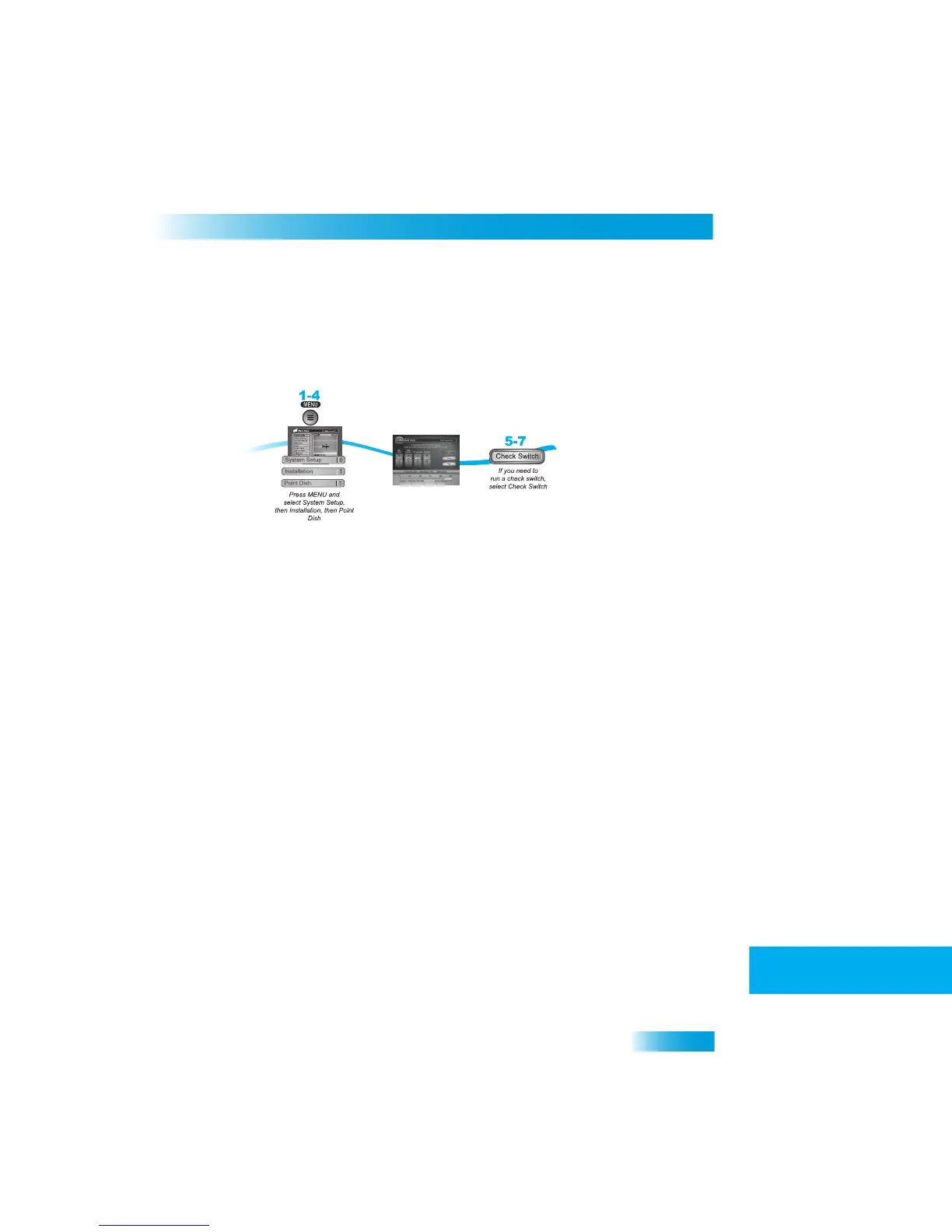
Point Dish and Check Switch
The Point Dish and Check Switch screens are helpful to the Custom
er Service
Representatives. You may be asked to display these screens when you call DISH
Network. Even though there are items that can be changed, only ch
ange them when
specifically directed by a Cu
stomer Service Representative.
1
Press MENU.
2
Select System Setup (6).
3
Select Installation (1).
4
Select Point Dish (1). This screen shows you in
formation to help maxi
mize your satellite
signal. The bar at the bottom of the screen te
lls you the signal strength. Green is a good
signal, while red indicates the signal is not acceptable
or is from the wrong satellite.
5
Select Check Switch to display the Installation Summary screen. Th
e Installation
Summary screen tells you if yo
u are receiving signals from
the satellites and which multi-
dish switches you have installed, if any.
6
Select Test only if di
rected by the Customer Service Representative.
7
Select Done.



 To Next Page