Chapter 6
32
What are Locks?
W
HAT
ARE
LOCKS
?
Locks allow you to password-protect programming based on rating
s, or on a channel-by-
channel basis. When you have locked the receiver:
• If you try to access a locked item or open
the Locks menu, the receiver displays a
message prompting you to enter the password.
• The receiver allows you thre
e attempts to ente
r the correct passwor
d. If you fail to
enter the correct password, t
he receiver does not allow you to try again for several
minutes.
• If you enter the correct password, you can access the locked item o
r open the Locks
menu.
• If you exit a locked item or close the Lo
cks menu, you must enter the password to
access the item again.
Locking the receiver is a two-step process:
1
Create the locks
that you want.
2
Lock the receiver.
When the receiver is locked, anyone who wants to access locked items
must enter the
password.
CREATING
OR
C
HANGING
A
P
ASSWORD
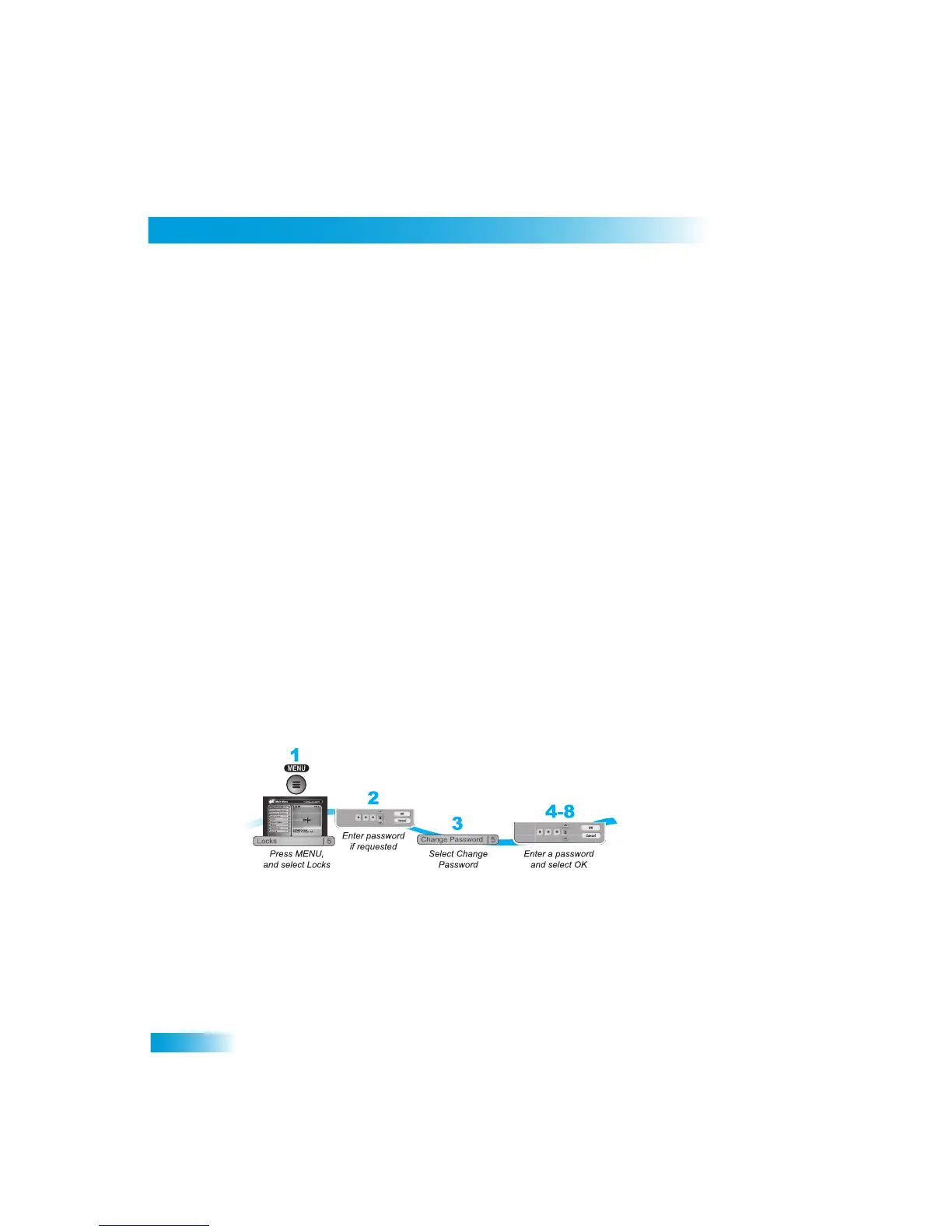
The first thing to do before using the receiver locks is set up your p
assword.
1
Press MENU and select Locks (5).
2
If the receiver is locked, enter the passw
ord using the NUMBER PAD. The receiver
displays stars (*) as you enter the digits of the password. Select OK.
3
Select Change Password.
4
Enter the current password using the NUMBER PAD. Select OK.



 To Next Page